Want the complete guide?

The full guide, every other guide, the AI agents I use and live calls are going inside my community. Join the waitlist for the founding-member price.

Join the waitlist →
your free guide

The Viral Remix Kit: turn any viral video into one for your business with Claude

Stop coming up with content ideas from scratch. Find a video that's already going viral, have Claude break it down second by second, and rewrite the same structure for your business. You start with something people have already proven they care about.

You don't copy anyone's words. You borrow the structure that already works. If you can screen-record your phone and paste text into a chat, you can do all of this. Claude is the main tool here, and every prompt works the same in ChatGPT.

1

Step 1: Write your business notes (once)

Do this first. You'll reuse it every time, and it's the difference between a generic script and one that sounds like you.

Copy this inHere are my business notes. Use them for everything I ask next. Business: [what you do, in one or two sentences] Customers: [who they are and the problem they have] What I sell: [product or service] How I talk: [plain, funny, direct, calm... plus one or two sentences you've actually said to customers] Things I can honestly claim: [real results, real experience, real facts only] Things I must not claim: [anything you can't prove, income promises, guarantees you don't offer] Reply with a short summary of how you understand my business, and ask me anything you need before we start.

Answer its questions. Keep that chat open, or save the notes to paste in again next time.

2

Step 2: Find the video and screen-record it

Look for a video that's doing well in your space or a nearby one: lots of views for the account's size, lots of comments and shares, posted recently. Pick one about a problem your customers have. Videos from other industries work too, because you're borrowing the structure, not the topic.

  1. Open the video and screen-record it from start to finish (under about 90 seconds).
  2. Copy the caption, and note the view count and the date.
  3. Drop the recording into your Claude chat.

If your app won't take the video: turn on captions or use any transcript tool, paste the words in, and add a short note of what's on screen at each moment. Less precise, but the structure still shows.

3

Step 3: Get the second-by-second breakdown

Copy this in (with the video attached)I attached a short video that's performing well. Reverse-engineer it for me. Give me a second-by-second breakdown in a table with these columns: time, what is said, what is on screen, and what this moment does for the viewer (why it works). Then answer: 1. What is the hook, and why does it make someone stop scrolling? 2. What is the reveal, and how long does the video wait before it? 3. Which exact seconds keep people watching? 4. What is the call to action, and how is it set up? 5. What does the viewer believe or feel at the start versus the end? Then write the structure as a plain template with blanks, using none of the original words. Example: "Hook: [bold claim about a task the viewer does by hand]. Proof: [one line]. Steps: [three]. Offer: [free thing]." If you can't tell something from the video, say so. Don't guess.

The template at the end is the part you keep.

4

Step 4: Rewrite it for your business

Copy this inNow use that template to write a video for my business, using my business notes. Rules: - Keep the same structure and pacing as the original. - Don't reuse any of the original words or phrases. - Use my voice, my product and my customers. - Plain, short sentences. No hype words. - Only claim things from my "Things I can honestly claim" list. If a line needs a fact I haven't given you, write [ADD YOUR REAL EXAMPLE] instead of making something up. - No income claims and no made-up numbers. - 35 to 60 seconds when spoken. Give me: 1. The full script, with time marks. 2. Five different hooks to test, each from a different angle. 3. A shot list: for each line, what I show on camera or on screen. 4. A short caption and a call to action.

Out comes the script, the hooks to test and the shot list.

5

Step 5: Check it for anything you can't back up

Copy this inReview the script you just wrote. List every claim, number or promise in it. For each one, tell me whether it came from my business notes or whether you added it. Flag anything I'd need to prove. Then rewrite the script with the flagged items removed or replaced by a placeholder.

Fill the placeholders with true details only. No real example? Cut the line.

6

Step 6: Record, post and test the hook

  • Record the script in your own words. If a line feels stiff, say it the way you'd say it to a customer.
  • Post the version with your favorite hook.
  • Later, post the same video with a different hook from your list and compare. The hook decides whether anyone watches the rest.

A quick example. A house-cleaning company finds a landscaper's video: "Your lawn looks bad because of one mistake," a before shot, three short steps, an after shot, "Comment GRASS for the checklist." Claude turns it into a template: one mistake, show the problem, three steps, show the fix, keyword offer. The remix: "Your bathroom still looks dirty after cleaning because of one mistake," a real photo of a streaky shower door from a job, the three steps the team actually uses, "Comment SHOWER for my checklist." Same structure. Their words, their proof.

7

Step 7: Batch five in one afternoon

Once the first one works, repeat Steps 2 to 5 with four more videos in the same chat. Claude already knows your business notes, so each one goes faster.

Copy this in after a few remixesLook at every template you've written in this chat. Turn them into a short library of reusable video formats for my business: name each format, when to use it, its structure, and one example hook for my customers.

Now you have formats you can reuse for any topic, instead of starting from a blank page every time.

Common mistakes: copying the words (read every line yourself), letting AI invent proof (always run Step 5), skipping the business notes, picking a video that only works because of a famous face or a stunt, and posting only the first hook.

the rest of this guide is inside the community

Unlock the full guide

  • My library of proven video formats and the hooks I test
  • The prompt that writes the shot list and on-screen graphics
  • Live sessions: we remix one of your videos together
  • Every new AI workflow I build for my own businesses

Get this guide in full, every other guide, the AI agents I use, and live calls, inside my community.
Founding members: $47 first month, then $97/month.
Join the waitlist

keep going

More free guides

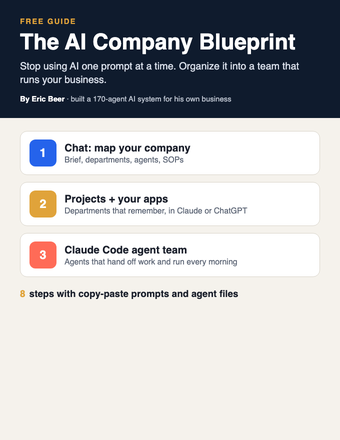
Cover of The AI Company Blueprint
AI agentsGetting startedClaude / ChatGPT / Claude Code

The AI Company Blueprint: organize AI into a team that runs your business

Stop using AI one prompt at a time. Map your company, write SOPs your agents follow, and build the team in Claude, ChatGPT or Claude Code.

Get the guide →
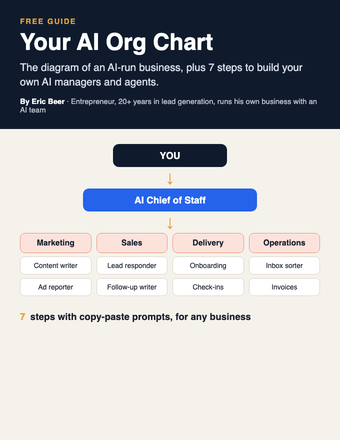
Cover of Your AI Org Chart
AI agentsGetting startedClaude / ChatGPT

Your AI Org Chart: the diagram, and how to build it for any business

The diagram of an AI-run business, plus 7 steps with copy-paste prompts to build your own AI managers and agents.

Get the guide →
Cover of Make AI Do the Thinking
PromptsGetting startedChatGPT / Claude

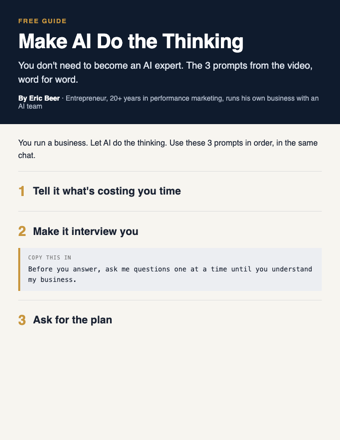
Make AI Do the Thinking: the 3 prompts, word for word

You don't need to become an AI expert. Three copy-paste prompts: tell it what's costing you time, make it interview you, get the plan.

Get the guide →
Cover of Your First 5 AI Jobs
AI agentsGetting startedAny AI

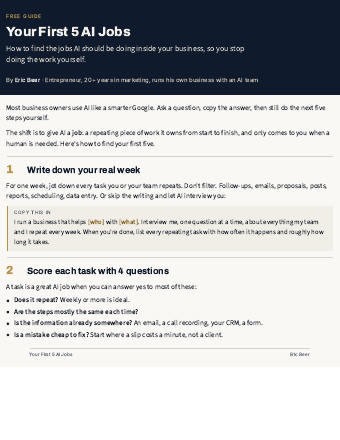
Your First 5 AI Jobs: stop doing the work AI should be doing

How to find the jobs AI should own inside your business, score them, and start with the one that saves you the most time.

Get the guide →
Cover of Your AI Team
AI agentsGetting startedAny AI

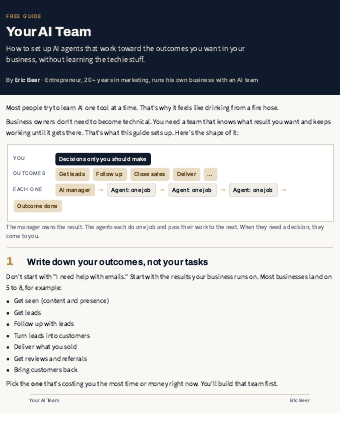
Your AI Team: set up AI agents that run your outcomes

The 7-step setup I use: outcomes, an AI manager for each, agents with one job, and decisions that come to you.

Get the guide →
Cover of AI System Starter Kit
PromptsGetting startedChatGPT / Claude

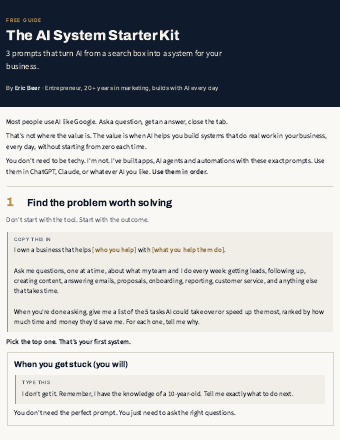
The AI System Starter Kit: 3 prompts that turn AI into a system

Stop using AI like Google. Three copy-paste prompts to find the problem worth solving and get a step-by-step plan.

Get the guide →
new guides every week

See the library

Explore ericbeer.ai Join the waitlist

watch & learn

See how I put AI to work

Short videos on how I run my business with an AI team. Watch on whichever app you like.

Bad at managing people? Build an AI team instead with Claude

Bad at managing people? Build an AI team instead with Claude