Want the complete guide?

The full guide, every other guide, the AI agents I use and live calls are going inside my community. Join the waitlist for the founding-member price.

Join the waitlist →
your free guide

The Pain-to-Content Matrix: map every customer problem to a video brief with Claude

Stop guessing what video to make next. Map every problem your customer has, match each one to what your business actually does about it, and have Claude turn every match into a video brief someone can pick up and film.

I did this for my job-search company. My business helps people get hired, so I asked Claude to list every stage of a job search, from picking a career to negotiating the offer. That came to 11 stages. Then, for every stage, the real pain in my customer's words, like "I've sent 40 applications and heard nothing" or "I freeze in interviews." Then I matched each pain to what my product does about it, and Claude wrote a full brief for each one: hook, script, what to film and the call to action. Twenty-six briefs. My creators pick one and film it, and I don't start from a blank page anymore.

Every video follows the same order: problem first, then the solution, then the result. Claude is the main tool here, and every prompt works the same in ChatGPT. Use one chat for the whole thing so it keeps the context.

1

Step 1: Tell Claude about your business

Claude does far better work when it knows who you serve. Start a new chat and paste this in.

Copy this inI run a business called [business name]. We help [who your customer is] get [the result they want]. What we sell: [your product or service, in one or two sentences] Our customer is usually: [their role, their situation, how they feel when they find us] Things I can honestly claim: [real results, real experience, real facts only] Things I must not claim: [anything you can't prove, income promises, guarantees you don't offer] Don't write anything yet. Reply with a short summary of how you understand my business and my customer, then ask me up to five questions that would help you do better work.

Answer the questions. It takes two minutes and makes every later step better.

2

Step 2: Map every stage of the customer's journey

Now map the whole path your customer walks, from the first moment they feel the problem to the moment they get the result. Mine had 11 stages. Yours might have 8 or 15.

Copy this inList every stage a customer goes through on the way to [the result they want], from the first moment they realize they have a problem to the moment they get the result, and what comes right after. Rules: - Put the stages in order. - Use plain words, not industry terms. - Each stage is one clear moment or decision, not a broad phase like "awareness." - Aim for 8 to 15 stages. Give me a numbered list. Name each stage in five words or fewer, and add one sentence on what the customer is doing at that stage.

Read the list. Delete stages that don't fit, and add any Claude missed. You know your customer better than the AI does.

3

Step 3: Write the pain at each stage, in their words

This is the most important step. A pain written in marketing language makes a weak video. A pain written the way a real person says it out loud makes a strong hook.

Copy this inFor each stage in the list above, write the real pains my customer feels there. Rules: - Write each pain as something the customer would actually say out loud, in first person, in quotes. - Everyday spoken language. No jargon. - Be specific. "I'm stuck" is too vague. "I've sent 40 applications and heard nothing" is the right level. - Give two or three pains per stage where there are clear ones. Format as a table with three columns: Stage number, Stage name, Pain in the customer's words.

Now check the pains against reality. Pull up customer emails and messages, questions people ask on calls, comments on your posts, and reviews of you and your competitors. Swap in the exact phrases real customers use.

Copy this inHere are real things my customers have said, copied from emails, calls, comments and reviews: [paste 10 to 30 real quotes, with names removed] Update the pain table. Replace any pain that a real quote says better, add new pains these quotes reveal, and mark each row "real quote" or "AI guess" so I know which ones to double-check.
4

Step 4: Match each pain to what you really do

A video only works if it solves something. Here you connect each pain to something your business actually does.

Copy this inHere's what my product or service actually does: [list the real features, services or parts of your process. Only list what really exists.] For each pain in the table, match it to the one thing from my list that helps most. Rules: - Only use things from my list. Don't invent features. - If a pain has no match, write "No match." - Add one short sentence on how it helps. Add two columns to the table: What we do about it, and How it helps.

Look closely at the "No match" rows. Each one is either a pain you can still help with through free advice in a video, or a gap in what you offer. Both are worth knowing.

5

Step 5: Turn every row into a video brief

Now Claude turns each row into something a creator, a team member or you can film. Do one row first to check the quality.

Copy this inWrite a video brief for row [number] of the table. The video must follow this order: the problem first, then the solution, then the result. Include: 1. Hook: the first line, spoken in the first 6 seconds. It names the pain in the customer's own words. 2. Script: 35 to 60 seconds of spoken text. Short sentences. Plain words. No hype. 3. What to film: the shots or screen recordings needed, in order. 4. On-screen text: three to five short captions. 5. Call to action: one clear next step for the viewer. Rules: - Don't invent numbers, results or customer stories. If a line needs a real example, write [ADD YOUR REAL EXAMPLE]. - Don't promise outcomes I can't back up. - Write the way a person talks, not the way an ad reads.

If the first brief is good, run the rest in batches.

Copy this inNow do the same for rows [2 to 6]. Same format, same rules.

Work in batches of five or six. Very long answers tend to get weaker toward the end.

6

Step 6: Put it all in one sheet and hand it off

Copy this inCombine everything into one table I can paste into a spreadsheet. Columns: Stage, Pain, What we do about it, Hook, Script, What to film, On-screen text, Call to action. Use tab-separated format so it pastes cleanly into Google Sheets or Excel.

Paste it into a sheet. That's your matrix. Add two columns for yourself: Status (to film, filmed, posted) and Date posted. Give the sheet to whoever films. They pick a row, film it and mark it done.

Want it as a page instead of a sheet? In Claude you can ask for it as an interactive page.

Copy this inTurn this matrix into a simple interactive page. Show the stages as a row of tabs along the top. Clicking a stage shows its pains. Clicking a pain opens its full brief. Keep the design plain and easy to read on a phone.

That's how mine works: a stage rail across the top, the pain column, and one brief opened up when you click it.

7

Step 7: A worked example, and the mistakes to skip

A quick example. Say you run a home-cleaning company for busy families, offering weekly and biweekly visits with the same cleaner each time.

  • A few stages: realizing the house is out of control, deciding to get help, comparing cleaners, worrying about strangers in the home, booking the first visit, getting ready for the first visit.
  • Pains: "I spend my whole Saturday cleaning and it's a mess again by Tuesday." "I don't want someone I don't know walking around my house." "I have to clean before the cleaner comes? That defeats the point."
  • Matches: weekly visits that give the weekend back. The same cleaner every visit. A short list of what to leave as is before the first visit (only if that's really how the business works).
  • One brief: Hook: "Do you clean your house before the cleaner comes?" Script: the problem, what you actually need to do before a first visit, the result. Film: the cleaner arriving, a lived-in room, the finished room. Call to action: "Message us to book your first visit."

One row became one video. Every other row becomes another.

Common mistakes:

  • Skipping Step 1. The pains come out generic.
  • Keeping AI-guessed pains without checking them against real customer words.
  • Letting AI invent results, numbers or testimonials. Delete anything you can't prove.
  • Matching pains to things you don't offer.
  • Starting the video with your product. Problem first, always.
  • Building the matrix and never filming. Film one row this week.

Come back every few months, run Step 3 again with fresh customer quotes, and add new rows.

the rest of this guide is inside the community

Unlock the full guide

  • My own matrix for my job-search company: all 11 stages and 26 briefs
  • The prompt that builds the interactive matrix page, ready to reuse
  • Live sessions: we build your matrix together and pick your first five videos
  • Every new AI workflow I build for my own businesses

Get this guide in full, every other guide, the AI agents I use, and live calls, inside my community.
Founding members: $47 first month, then $97/month.
Join the waitlist

keep going

More free guides

Cover of Meet Scout's AI Team
AI agentsGetting startedClaude + Scout

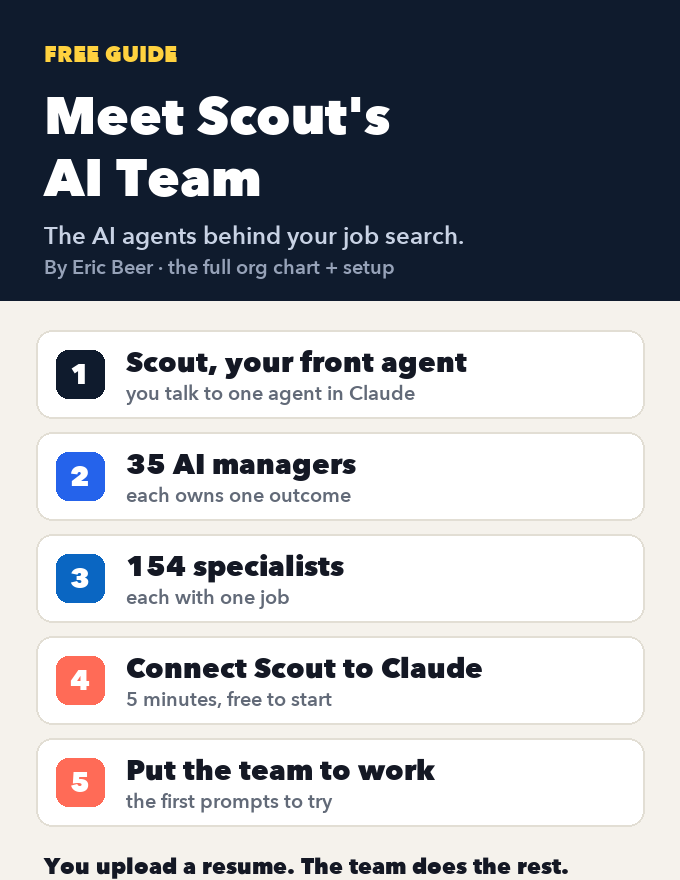
Meet Scout's AI team: the org chart of AI agents that runs a job search, and how to connect it to Claude

See every agent behind Scout Jobs: Scout at the top, 35 AI managers that each own one outcome, and the 154 specialists who do the work, each with one job. Then connect Scout to Claude, step by step, and put the team to work on your job search.

Get the guide →
Cover of Your AI Job Agent: Scout + Claude
AI agentsGetting startedClaude + Scout

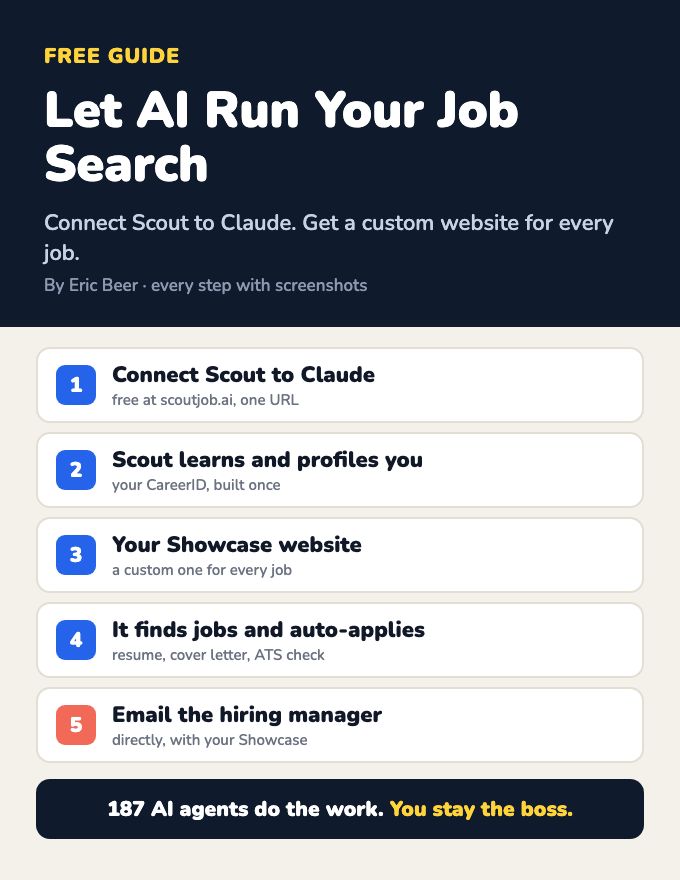
Let AI run your job search: connect Scout to Claude and get a custom website for every job

Connect Scout to Claude and a team of AI agents learns who you are, builds your CareerID and a Showcase website, finds jobs, makes a custom Showcase for each one, applies, and emails the hiring manager. Every step, with screenshots.

Get the guide →
Cover of Build Your LinkedIn Profile With AI
AI agentsGetting startedClaude + Scout

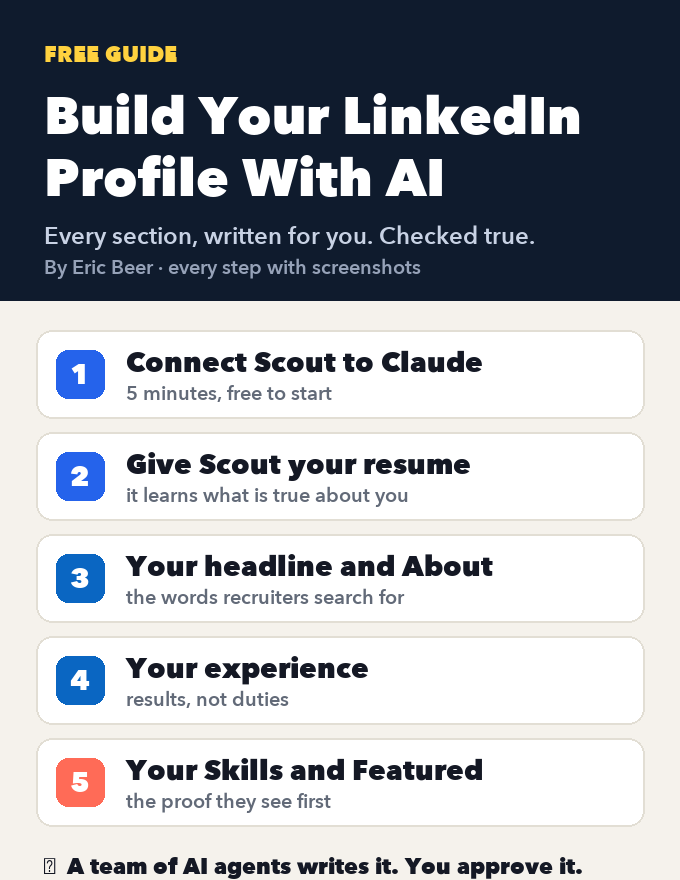
Build your LinkedIn profile with AI: connect Scout to Claude and let it write every section

Create or fix your LinkedIn profile, section by section: headline, About, experience, Skills and Featured. Connect Scout to Claude, give it your resume, and AI agents write every section, checked against what's true. Every step with screenshots.

Get the guide →
Cover of The AI Operating System Blueprint
AI agentsGetting startedClaude / ChatGPT

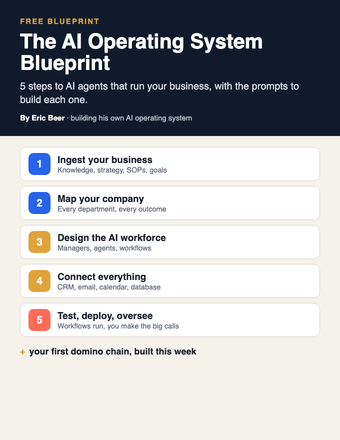
The AI Operating System Blueprint: 5 steps to AI agents that run your business

Ingest your business, map the company, design the AI workforce, connect your tools, then test and deploy. The 5 steps, with the prompts for each.

Get the guide →
Cover of The Viral Remix Kit
PromptsGetting startedClaude / ChatGPT

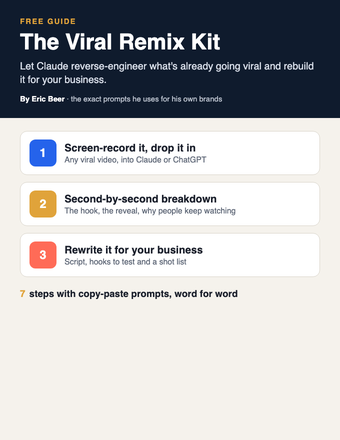
The Viral Remix Kit: turn any viral video into one for your business with Claude

Stop coming up with content ideas from scratch. Have Claude reverse-engineer a video that's already going viral and rebuild it for your business.

Get the guide →
Cover of The 5-Minute Follow-Up Kit
PromptsGetting startedClaude / ChatGPT

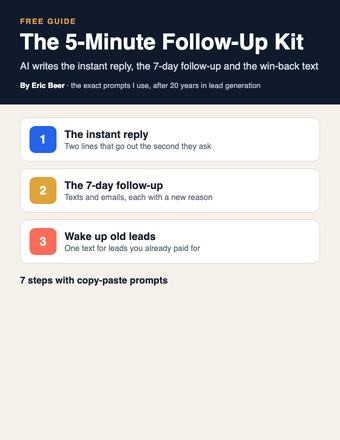
The 5-Minute Follow-Up Kit: let AI write every follow-up so no lead goes cold

Whoever answers first usually wins. Have Claude write your instant reply, your 7-day follow-up and the win-back text for old leads, then load them into your CRM once.

Get the guide →
Cover of The AI Avatar Playbook
PromptsGetting startedClaude / ChatGPT + an AI video tool

The AI Avatar Playbook: put an AI host on camera for your business, the honest way

Stop filming every video yourself. Build an AI host with one photo and one voice, have Claude write the scripts, check the lips word by word and always label it AI.

Get the guide →
Cover of Put Your Business Inside Claude
AI agentsGetting startedClaude / Claude Code

Put Your Business Inside Claude: connect your tools and data so Claude can work in your business

My company Scout Jobs runs inside Claude as a connector. Here's how to connect your own tools in three levels, from one-click connectors to building your own with Claude Code.

Get the guide →
Cover of The Creator Brief Template
PromptsGetting startedClaude / ChatGPT

The Creator Brief Template: have Claude write a filmable brief for every creator and team member

Stop writing every script yourself. Have Claude turn one customer problem into a full brief your creators can film straight from, then check it before it goes out.

Get the guide →
Cover of The Comment-to-Customer Funnel Map
PromptsGetting startedClaude / ChatGPT

The Comment-to-Customer Funnel Map: turn every video comment into an email subscriber with Claude

Turn comments into customers. Map the full path from comment keyword to DM, email, tag and daily email, with Claude writing every message.

Get the guide →
Cover of The SOP-to-Agent Kit
AI agentsPromptsClaude / ChatGPT

The SOP-to-Agent Kit: turn one written process into an AI agent that does the job your way

Stop being the bottleneck. Have Claude turn one of your processes into an agent in a Claude Project, test it, and fix it until it does the job your way.

Get the guide →
Cover of The Business Brain
Getting startedPromptsClaude / ChatGPT

The Business Brain: have Claude interview you and write the one document that teaches AI your business

Stop getting generic answers. Let Claude interview you, write one document about your business, and put it in a Project so every chat knows your business.

Get the guide →
Cover of Build Your Site With Claude
Getting startedPromptsClaude / Claude Code

Build Your Site With Claude: plan, write, build and publish your business website with AI

Stop paying someone every time your site needs a change. Decide the one job your site has, then have Claude plan, write and build it, connect the form to your CRM and put it live.

Get the guide →
Cover of The AI Chief of Staff Setup
AI agentsGetting startedClaude / ChatGPT

The AI Chief of Staff Setup: let Claude answer your team's simple emails and only bring you what needs you

Stop answering every team email yourself. Start with a read-only morning brief, move to drafts you approve, and add one-line alerts for anything only you can decide.

Get the guide →
Cover of The AI Webinar Builder
PromptsGetting startedClaude / ChatGPT

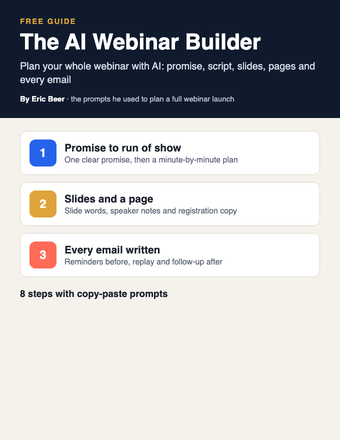
The AI Webinar Builder: plan your whole webinar with Claude, from the promise to the follow-up emails

Stop building webinars by hand. Use Claude to write the promise, the run of show, the slides, the registration page and every email, one piece at a time.

Get the guide →
Cover of The AI Email Kit
PromptsGetting startedClaude / ChatGPT

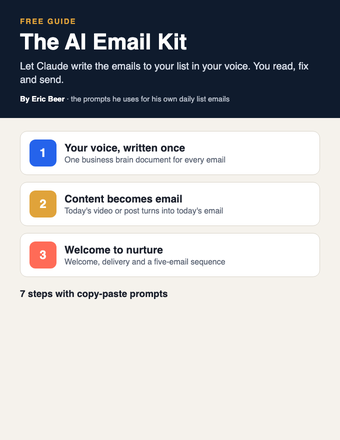
The AI Email Kit: have Claude write the emails to your list in your voice

Stop writing every email to your list yourself. Give Claude your voice once, then turn each video or post into an email and set up your welcome and follow-up emails.

Get the guide →
Cover of The AI Company Blueprint
AI agentsGetting startedClaude / ChatGPT / Claude Code

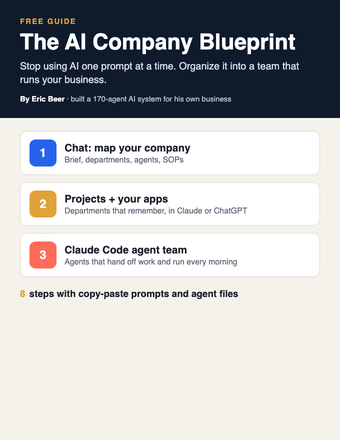
The AI Company Blueprint: organize AI into a team that runs your business

Stop using AI one prompt at a time. Map your company, write SOPs your agents follow, and build the team in Claude, ChatGPT or Claude Code.

Get the guide →
Cover of Your AI Org Chart
AI agentsGetting startedClaude / ChatGPT

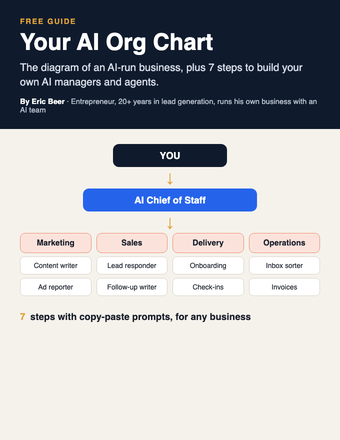
Your AI Org Chart: the diagram, and how to build it for any business

The diagram of an AI-run business, plus 7 steps with copy-paste prompts to build your own AI managers and agents.

Get the guide →
Cover of Make AI Do the Thinking
PromptsGetting startedChatGPT / Claude

Make AI Do the Thinking: the 3 prompts, word for word

You don't need to become an AI expert. Three copy-paste prompts: tell it what's costing you time, make it interview you, get the plan.

Get the guide →
Cover of Your First 5 AI Jobs
AI agentsGetting startedAny AI

Your First 5 AI Jobs: stop doing the work AI should be doing

How to find the jobs AI should own inside your business, score them, and start with the one that saves you the most time.

Get the guide →
Cover of Your AI Team
AI agentsGetting startedAny AI

Your AI Team: set up AI agents that run your outcomes

The 7-step setup I use: outcomes, an AI manager for each, agents with one job, and decisions that come to you.

Get the guide →
Cover of AI System Starter Kit
PromptsGetting startedChatGPT / Claude

The AI System Starter Kit: 3 prompts that turn AI into a system

Stop using AI like Google. Three copy-paste prompts to find the problem worth solving and get a step-by-step plan.

Get the guide →
new guides every week

See the library

Explore ericbeer.ai Join the waitlist

watch & learn

See how I put AI to work

Short videos on how I run my business with an AI team. Watch on whichever app you like.

My LinkedIn Got Hacked. I Let AI Rebuild the Whole Thing.

My LinkedIn Got Hacked. I Let AI Rebuild the Whole Thing.

Claude Can Now Find You a Job (Meet the AI Team)

Claude Can Now Find You a Job (Meet the AI Team)

Claude Rewrote My Whole LinkedIn With One Button

Claude Rewrote My Whole LinkedIn With One Button

AI Applied to 64 Jobs For Me (I Got an Interview Overnight)

AI Applied to 64 Jobs For Me (I Got an Interview Overnight)