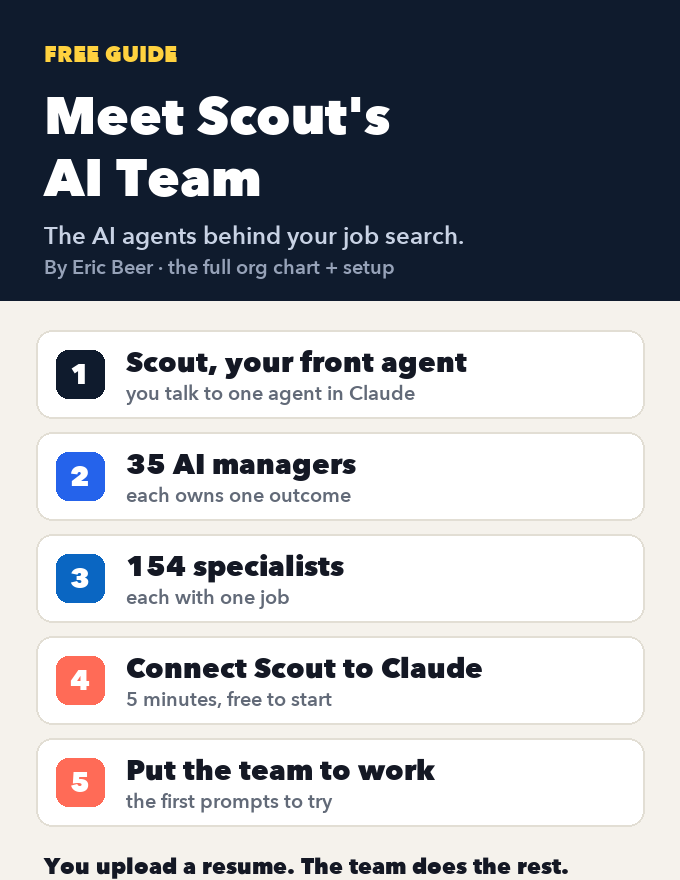
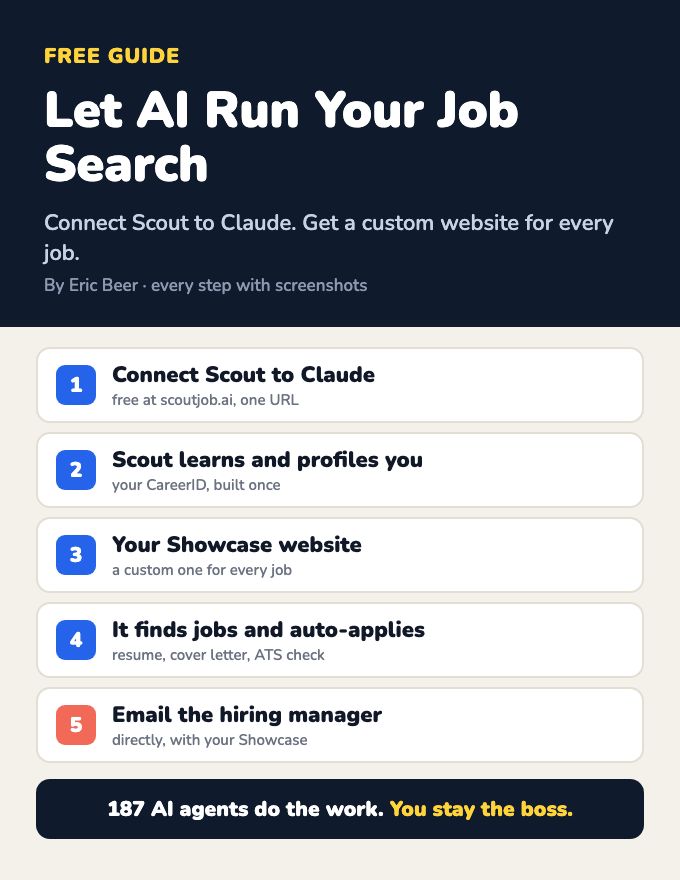
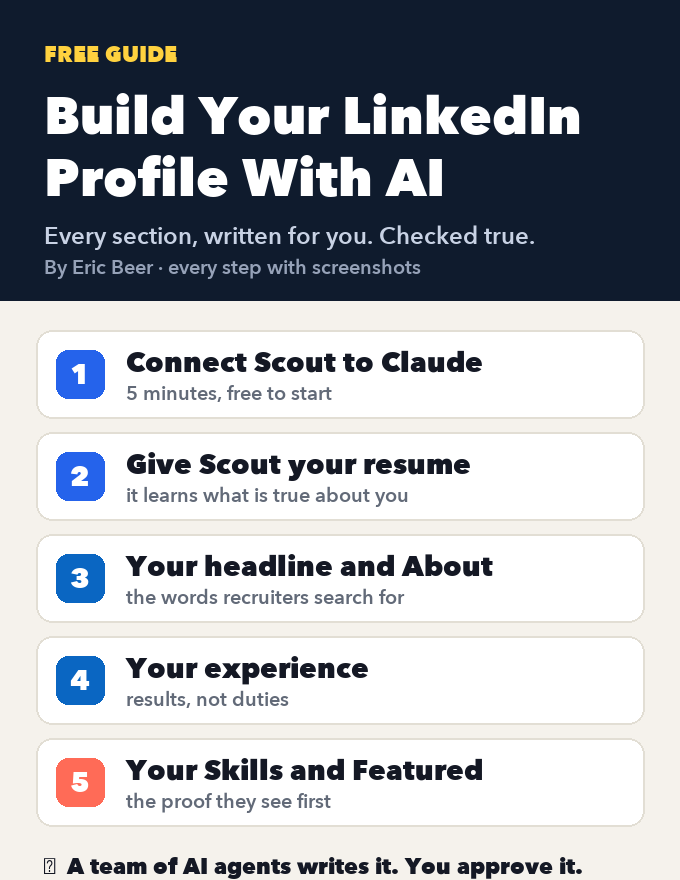
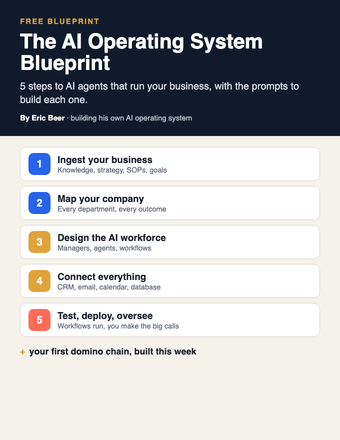
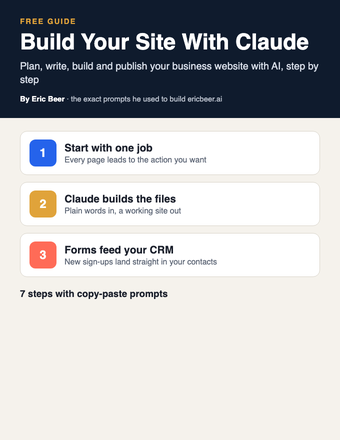
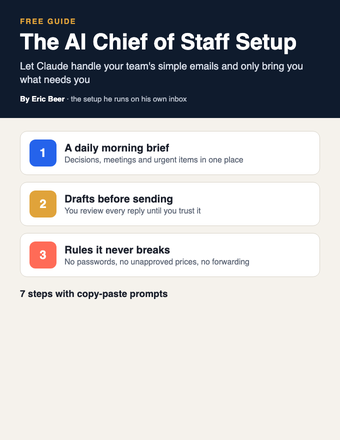
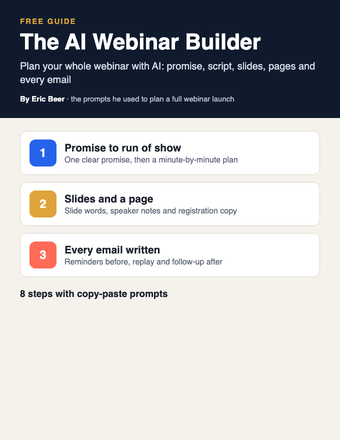
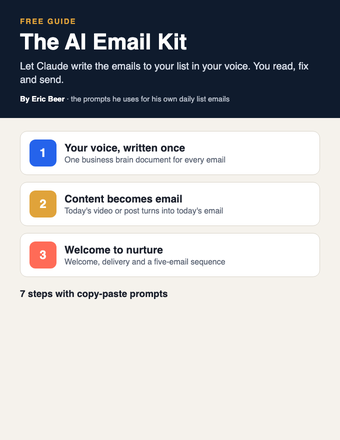
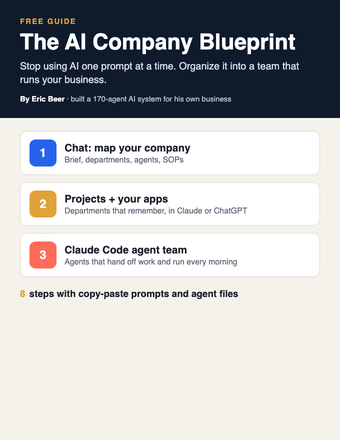
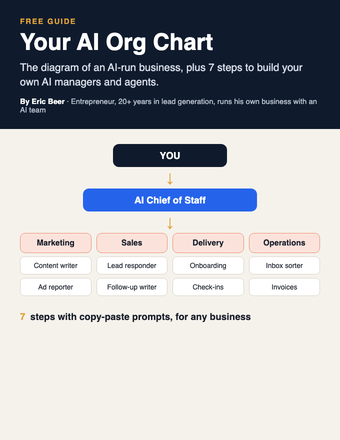
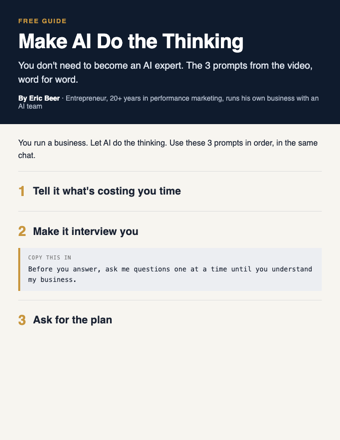
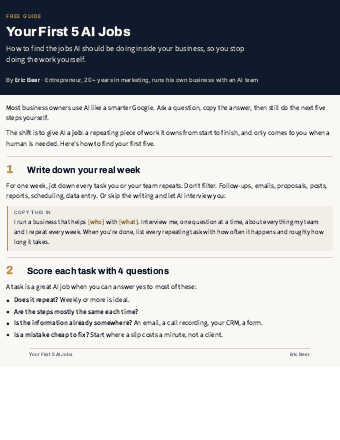
Want the complete guide?
The full guide, every other guide, the AI agents I use and live calls are going inside my community. Join the waitlist for the founding-member price.
Join the waitlist →The 5-Minute Follow-Up Kit: let AI write every follow-up so no lead goes cold
Your leads aren't saying no. Most of them just stop hearing from you. I've spent 20 years in lead generation, and one thing holds up almost everywhere: whoever answers first usually wins.
You don't need to hire someone to fix that. You need AI to write every follow-up before the lead ever comes in. In this kit, Claude writes three things for you: the instant reply that goes out the second someone fills out your form, the next seven days of follow-up, and the win-back text for old leads who never booked. Load them into your CRM once and they run every time.
If you can copy and paste, you can do all of it. Claude is the main tool here, and every prompt works the same in ChatGPT.
Step 1: Time how fast you answer today
Before you change anything, find out where you stand. Grab your phone and fill out your own contact form, the same one a new lead would use. Then start a timer.
- How long until you hear back?
- Was it a real message, or just an automatic "we got your request"?
- Did it ask you anything, or leave you to make the next move?
Write the time down. Most owners are surprised by the number. That gap is where leads go cold, and it's what the rest of this kit closes.
What you need for the rest: Claude (the free plan works), a CRM or any tool that can send texts and emails automatically (whatever you already use), and a list of your past leads with names, contact details, the date they came in and whether they booked. No CRM yet? You can still use every message. Send them by hand until you set one up.
Step 2: Teach Claude your business (once)
This is what keeps the messages from sounding like a robot wrote them. Start a new chat, paste this in and fill in the brackets.
Read the summary. If anything is wrong, correct it. Keep this same chat open for every step below so Claude remembers it all. In ChatGPT, do the same in one chat thread.
Step 3: Write the instant reply
This text goes out the moment someone fills out your form. Two lines, one easy question. The question matters: it gives the lead something simple to answer, and a reply starts a conversation.
Pick the one that sounds most like you and change any word you wouldn't say out loud. In your CRM, set up an automation (some tools call it a workflow) with the trigger "form submitted" and the action "send text." Send a test to your own phone and check that the first name fills in correctly.
Step 4: Write the 7-day follow-up
Most people send one message and quit. This step writes the next seven days, so you never have to remember who to chase.
Read every message out loud. If one doesn't sound like you, tell Claude, for example: "Make Day 3 shorter and more casual." Then load each message into your CRM as a timed step.
Add a stop rule. The sequence must stop the moment a lead replies or books. Nobody should get a follow-up after they've already answered. It looks careless, and it's the most common setup mistake.
Step 5: Wake up the leads who never booked
You already paid for these leads, with ad money or your own time. Some of them just got busy. One short text can start the conversation again.
In your CRM, filter for leads from the last 90 days who never booked. Export their first names and phone numbers. Then ask Claude for the message.
Pick one and send it to a small group first, about 10 to 20 people. See how they respond. If it goes well, send it to the rest.
Important: only text people who gave you permission to contact them, and include a way to opt out as your local rules require. Not sure about the rules where you are? Ask your CRM provider or a local professional before you send.
Step 6: Get your replies ready
When leads answer, you want to answer back fast. Have Claude write your saved replies now, so a busy day doesn't slow you down.
Save these as saved replies (sometimes called snippets or templates) in your CRM or phone.
A quick example. Here's how this could look for a made-up house-cleaning company called Clearwater Cleaning.
- Instant reply: "Hi {{first_name}}, thanks for reaching out to Clearwater Cleaning. Is this for a one-time clean or regular visits?"
- Day 2 text: "Hi {{first_name}}, a lot of our customers start with one deep clean and then decide if they want regular visits. Would that be a good place to start?"
- Day 5 email (subject: What a first clean looks like): a three-sentence walk-through of the first visit, ending with "Want me to send a few open times this week?"
- Win-back text, 90 days later: "Hey {{first_name}}, are you still looking for help with cleaning? No worries if not."
Every message is short, makes one point and ends with one easy question. That's the pattern to copy.
Step 7: Turn it on, then check it weekly
- Run Step 1 again: fill out your own form and time the reply. It should now arrive in seconds.
- Fill out the form a second time with a test name and don't reply. Make sure the Day 1 follow-up arrives, then reply and make sure the sequence stops.
- Once a week, look at which messages get answers and which get silence. Paste what you see into Claude.
Common mistakes:
- Skipping Step 2. Without your business details, the messages come out generic.
- Asking two questions in one message. One message, one question.
- Forgetting the stop rule.
- Letting AI invent customer names, results, prices or deadlines. Use placeholders and fill them with real facts.
- Blasting the whole old list at once. Test a small group first.
- Setting it up and never looking again.
Short on time today? Do Steps 2, 3 and 5. That's one instant reply and one win-back text, and it takes about ten minutes. Build the 7-day follow-up tomorrow.
Unlock the full guide
- My own follow-up sequences, plus versions for ads, referrals and website leads
- The prompt pack for missed-call texts, no-show texts and review requests
- Live sessions: we set up your follow-up automation together, step by step
- Every new AI workflow I build for my own businesses
Get this guide in full, every other guide, the AI agents I use, and live calls, inside my community.