Want the complete guide?

The full guide, every other guide, the AI agents I use and live calls are going inside my community. Join the waitlist for the founding-member price.

Join the waitlist →
your free guide

The Creator Brief Template: have Claude write a filmable brief for every creator and team member

If creators or your team film videos for your business, you probably write every script yourself. Or you send a loose idea and get back a video that misses the point, forgets the call to action, or says something you can't back up.

In my creator app, every creator gets a full brief they can film straight from: the customer problem, the hook for the first 6 seconds, the filming setup, a word-for-word script with timestamps, what to show on screen, the caption, hashtags, the comment keyword, the free guide, what to say and not say, the disclosure, and a submission checklist. Before a creator can submit, they confirm the keyword and the free guide are live. This guide gives you that brief as a template, plus the prompts that make Claude fill it in and check it. Every prompt works the same in ChatGPT.

1

Step 1: Save the brief template (once)

Every brief has the same 12 parts, so creators always know where to look. Paste this into Claude once and save the result.

Copy this inSave this as my creator brief template. Every time I ask for a brief, fill in every section in this order. Don't skip or merge sections. 1. The problem: the customer problem this video solves, in the customer's own words. 2. The hook (first 6 seconds): the exact opening line, word for word, plus what's on screen. 3. Filming setup: where to film, framing, light, sound, what to wear or have in hand. Phone vertical. 4. Script with timestamps: every line word for word, with a time mark for each line (for example 0-6s, 6-12s). 5. What to show on screen: for each line, what the camera sees or what's screen-recorded, plus any on-screen text. 6. Caption: ready to paste, short, ending with the call to action. 7. Hashtags: 3 to 5, related to the topic. No unrelated tags. 8. Comment keyword: one word viewers comment to get the free guide. 9. Free guide: the name of the guide and the link where it lives. 10. Do say / don't say: lines and claims that are fine, and lines and claims that are not allowed. 11. Disclosure: the exact disclosure the creator must use if this is paid or gifted content (for example #ad or the paid partnership label). 12. Submission checklist: what the creator checks before submitting, including that the keyword reply and the free guide link are live. Reply "Saved" and show me the empty template.

The checklist at the end is the part most people skip. It's what stops a video from going out with a keyword that doesn't reply to anyone.

2

Step 2: Give Claude your business and your rules

A brief is only as good as what Claude knows. Create a Claude Project called "Creator Briefs", add the template from Step 1 to its files, and paste this into the Project instructions. In ChatGPT, use a Project or a custom GPT the same way.

Copy this inYou write filmable creator briefs for my business. Use the creator brief template in this Project's files for every brief. My business: [what you sell and who buys it] My customers' top problems: [3 to 5 problems, in their words] How we sound: [plain, warm, direct... plus two lines you've actually said to a customer] Things creators can honestly say: [real facts, real results, real features only] Things creators must never say: [claims you can't prove, guarantees you don't offer, prices that change, competitor names] Calls to action we use: [comment a keyword for a free guide, book a call, visit the site] Disclosure rule: [how paid or gifted content must be labeled] Video length: [for example 30 to 50 seconds] Rules: - Short, plain sentences a creator can say out loud without stumbling. - The hook names the customer's problem in the first 6 seconds. - Never invent results, numbers, reviews or quotes. If a line needs proof I haven't given you, write [ADD REAL EXAMPLE]. - No income claims. - If anything is unclear, ask me before you write the brief.

If you have scripts from past videos that worked, add one or two to the Project files too. Claude will match them.

3

Step 3: Turn one customer problem into a full brief

Start every brief from a real problem your customers have, not from a product feature.

Copy this inWrite a creator brief for this problem: [the customer problem, in one sentence]. Creator: [name, their style, where they film, what they can show (the product, a phone screen, a job site)] Comment keyword: [ONE WORD] Free guide: [guide name and link] Goal of the video: [comments on the keyword / booked calls / site visits] Fill every section of the template. For the hook, give me the main hook plus 3 other options from different angles. Time-mark every script line and keep the total within the video length in my instructions. For what to show on screen, be specific enough that the creator never has to guess.

Read the hook out loud. If you wouldn't stop scrolling for it, ask for five more.

4

Step 4: Have Claude review the brief before it goes out

Run this in a fresh chat inside the same Project, so Claude checks the brief with fresh eyes.

Copy this inReview this creator brief like a strict editor. Check: 1. Does the hook name the problem in the first 6 seconds? 2. Can every line be said out loud easily? Mark any line over 15 words. 3. List every claim, number or promise. For each, say whether it's in my "things creators can honestly say" list. Flag anything that isn't. 4. Does anything break my "never say" list? 5. Is the disclosure there and correct for paid or gifted content? 6. Is the keyword one clear word, and is it said out loud, shown on screen and in the caption? 7. Is the free guide named and linked? 8. Could a creator film this without asking me a single question? If not, what's missing? Give me a pass or fix list, then the corrected brief. [paste the brief]
5

Step 5: Assign it, and don't let it go out until the keyword is live

In my creator app, each brief is assigned to a creator and a brand. It shows a yellow banner until the keyword and the free guide are confirmed live, and the creator ticks a box confirming it before they can submit. You can do the same without an app: a shared doc or task board with a "live check" line at the top of every brief.

  • Set up the comment keyword reply and test it by commenting the word yourself from a second account.
  • Open the free guide link in a private browser window to make sure it loads.
  • Only then send the brief, with the live check marked done.
Copy this inWrite the message I send a creator with this brief. Keep it short and friendly. Include: the due date [date], where to upload [link], that the keyword [WORD] and the free guide are live and tested, the disclosure they must use, and the submission checklist from the brief as tick boxes they confirm before submitting. Ask them to send any questions before they film, not after.
6

Step 6: A worked example

A small house-cleaning company works with two local creators. Their top customer problem: "I clean all weekend and the house is a mess again by Monday."

Claude's brief opens with the hook: "You clean all weekend and it's a mess again by Monday? Here's the 15-minute reset our cleaners use." Filming setup: the creator's own kitchen, phone vertical, daylight, a timer on screen. The script runs about 40 seconds, every line time-marked, with three steps the team really uses. On screen: the timer, each step, the counter before and after. Keyword: RESET. Free guide: "The 15-Minute Reset Checklist". Don't say: "spotless", "germ-free" or any price. Disclosure: paid partnership label on.

The review prompt flags one line, "the fastest method there is", as a claim nobody can prove, and it gets cut. The owner's time goes into picking the problem and checking the brief, not writing scripts.

7

Step 7: Rules and common mistakes

  • One problem per brief. Two problems make a confusing video.
  • One keyword per video, never reused. It tells you which video brought each person.
  • Never let Claude invent proof. Run the review prompt every time.
  • Scripts are word for word, but let creators say them naturally. The hook and the keyword are the two lines they can't change.
  • Always include the disclosure for paid or gifted content.
  • Never send a brief until the keyword reply and the free guide are tested.
  • Save the briefs that worked into the Project files so the next ones get better.
Copy this in once you have a few videos outLook at these briefs and my notes on how each video did: [paste briefs and notes]. Tell me what the strongest hooks and scripts have in common, and rewrite my Project instructions so new briefs follow that pattern.
the rest of this guide is inside the community

Unlock the full guide

  • My full creator brief template and the Project instructions behind it
  • The review prompt I run on every brief before it goes out
  • Live sessions: we turn one of your customer problems into a brief together
  • How I track every brief from assigned to submitted

Get this guide in full, every other guide, the AI agents I use, and live calls, inside my community.
Founding members: $47 first month, then $97/month.
Join the waitlist

keep going

More free guides

Cover of Meet Scout's AI Team
AI agentsGetting startedClaude + Scout

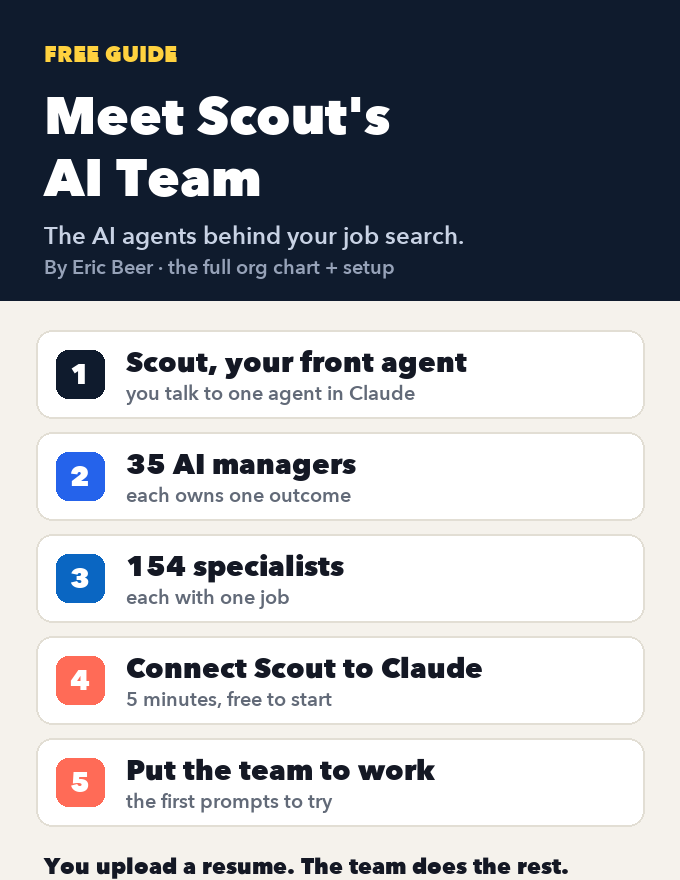
Meet Scout's AI team: the org chart of AI agents that runs a job search, and how to connect it to Claude

See every agent behind Scout Jobs: Scout at the top, 35 AI managers that each own one outcome, and the 154 specialists who do the work, each with one job. Then connect Scout to Claude, step by step, and put the team to work on your job search.

Get the guide →
Cover of Your AI Job Agent: Scout + Claude
AI agentsGetting startedClaude + Scout

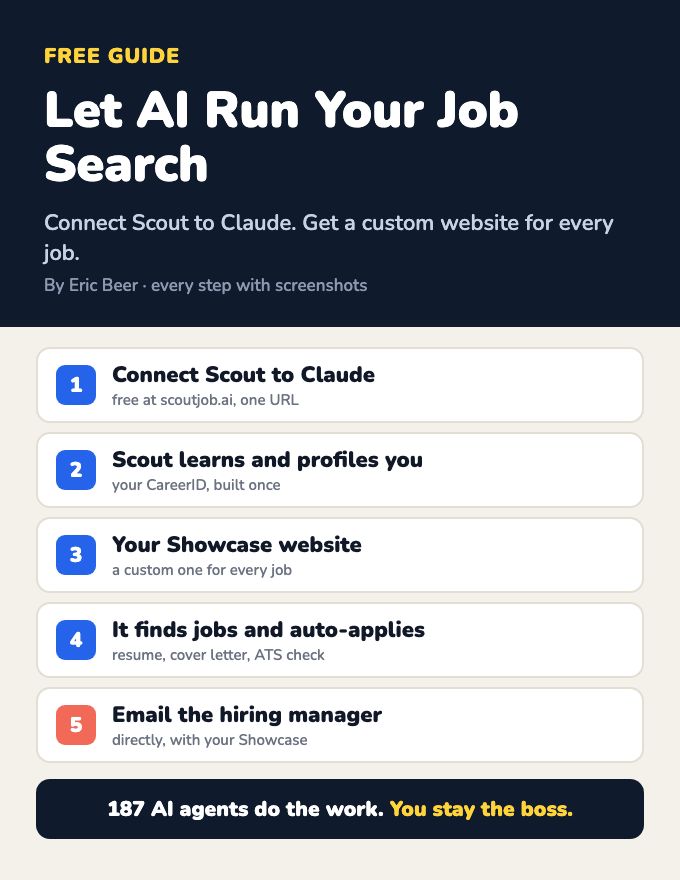
Let AI run your job search: connect Scout to Claude and get a custom website for every job

Connect Scout to Claude and a team of AI agents learns who you are, builds your CareerID and a Showcase website, finds jobs, makes a custom Showcase for each one, applies, and emails the hiring manager. Every step, with screenshots.

Get the guide →
Cover of Build Your LinkedIn Profile With AI
AI agentsGetting startedClaude + Scout

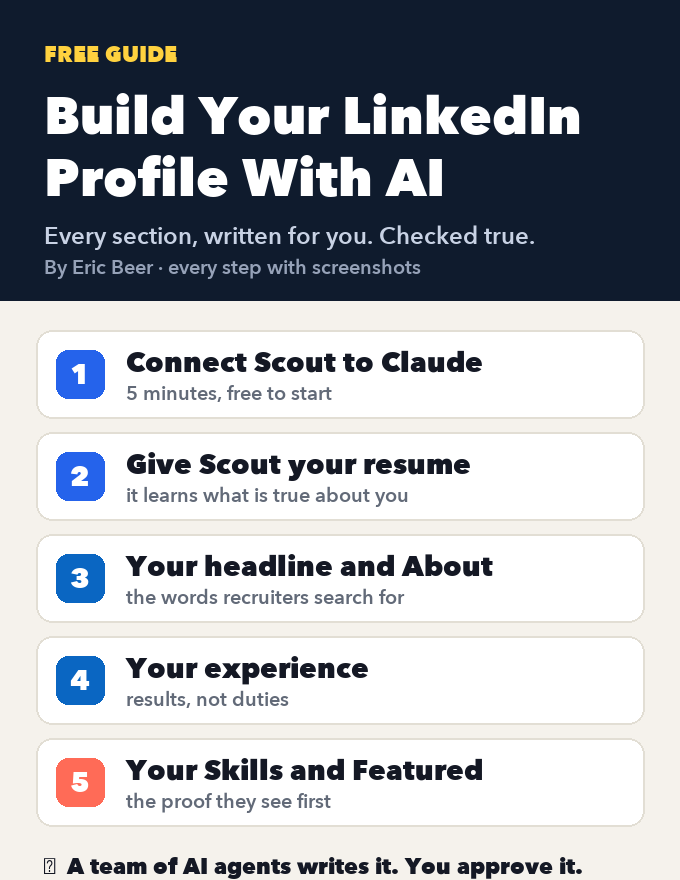
Build your LinkedIn profile with AI: connect Scout to Claude and let it write every section

Create or fix your LinkedIn profile, section by section: headline, About, experience, Skills and Featured. Connect Scout to Claude, give it your resume, and AI agents write every section, checked against what's true. Every step with screenshots.

Get the guide →
Cover of The AI Operating System Blueprint
AI agentsGetting startedClaude / ChatGPT

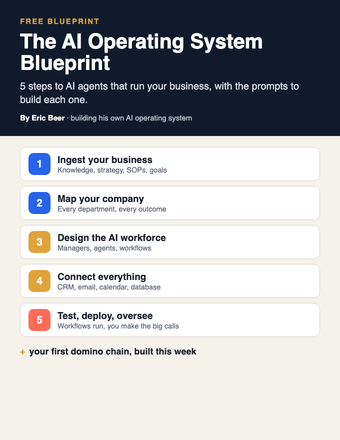
The AI Operating System Blueprint: 5 steps to AI agents that run your business

Ingest your business, map the company, design the AI workforce, connect your tools, then test and deploy. The 5 steps, with the prompts for each.

Get the guide →
Cover of The Viral Remix Kit
PromptsGetting startedClaude / ChatGPT

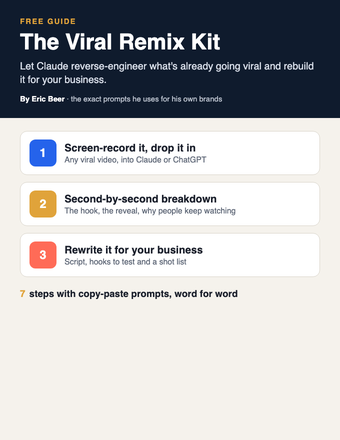
The Viral Remix Kit: turn any viral video into one for your business with Claude

Stop coming up with content ideas from scratch. Have Claude reverse-engineer a video that's already going viral and rebuild it for your business.

Get the guide →
Cover of The 5-Minute Follow-Up Kit
PromptsGetting startedClaude / ChatGPT

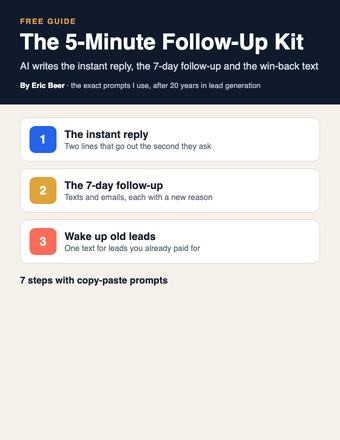
The 5-Minute Follow-Up Kit: let AI write every follow-up so no lead goes cold

Whoever answers first usually wins. Have Claude write your instant reply, your 7-day follow-up and the win-back text for old leads, then load them into your CRM once.

Get the guide →
Cover of The Pain-to-Content Matrix
PromptsGetting startedClaude / ChatGPT

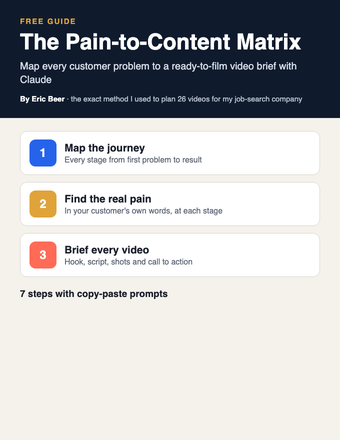
The Pain-to-Content Matrix: map every customer problem to a video brief with Claude

Stop guessing what to post. Have Claude map every stage of your customer's journey, the pain at each one, and a ready-to-film video brief for every pain.

Get the guide →
Cover of The AI Avatar Playbook
PromptsGetting startedClaude / ChatGPT + an AI video tool

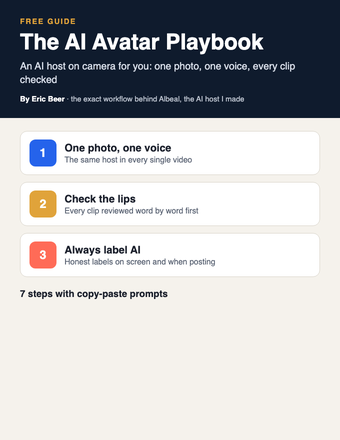
The AI Avatar Playbook: put an AI host on camera for your business, the honest way

Stop filming every video yourself. Build an AI host with one photo and one voice, have Claude write the scripts, check the lips word by word and always label it AI.

Get the guide →
Cover of Put Your Business Inside Claude
AI agentsGetting startedClaude / Claude Code

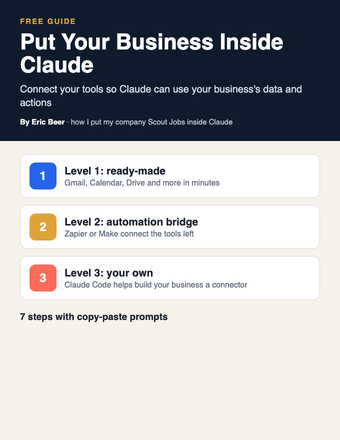
Put Your Business Inside Claude: connect your tools and data so Claude can work in your business

My company Scout Jobs runs inside Claude as a connector. Here's how to connect your own tools in three levels, from one-click connectors to building your own with Claude Code.

Get the guide →
Cover of The Comment-to-Customer Funnel Map
PromptsGetting startedClaude / ChatGPT

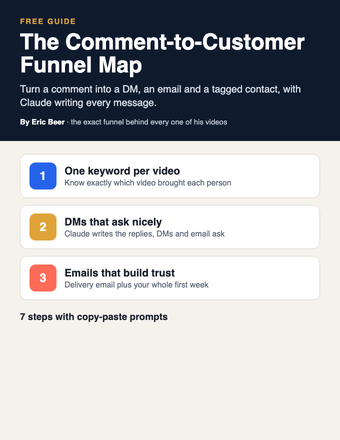
The Comment-to-Customer Funnel Map: turn every video comment into an email subscriber with Claude

Turn comments into customers. Map the full path from comment keyword to DM, email, tag and daily email, with Claude writing every message.

Get the guide →
Cover of The SOP-to-Agent Kit
AI agentsPromptsClaude / ChatGPT

The SOP-to-Agent Kit: turn one written process into an AI agent that does the job your way

Stop being the bottleneck. Have Claude turn one of your processes into an agent in a Claude Project, test it, and fix it until it does the job your way.

Get the guide →
Cover of The Business Brain
Getting startedPromptsClaude / ChatGPT

The Business Brain: have Claude interview you and write the one document that teaches AI your business

Stop getting generic answers. Let Claude interview you, write one document about your business, and put it in a Project so every chat knows your business.

Get the guide →
Cover of Build Your Site With Claude
Getting startedPromptsClaude / Claude Code

Build Your Site With Claude: plan, write, build and publish your business website with AI

Stop paying someone every time your site needs a change. Decide the one job your site has, then have Claude plan, write and build it, connect the form to your CRM and put it live.

Get the guide →
Cover of The AI Chief of Staff Setup
AI agentsGetting startedClaude / ChatGPT

The AI Chief of Staff Setup: let Claude answer your team's simple emails and only bring you what needs you

Stop answering every team email yourself. Start with a read-only morning brief, move to drafts you approve, and add one-line alerts for anything only you can decide.

Get the guide →
Cover of The AI Webinar Builder
PromptsGetting startedClaude / ChatGPT

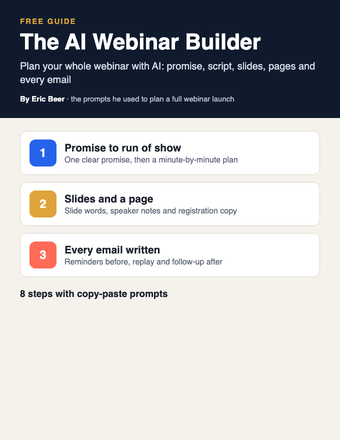
The AI Webinar Builder: plan your whole webinar with Claude, from the promise to the follow-up emails

Stop building webinars by hand. Use Claude to write the promise, the run of show, the slides, the registration page and every email, one piece at a time.

Get the guide →
Cover of The AI Email Kit
PromptsGetting startedClaude / ChatGPT

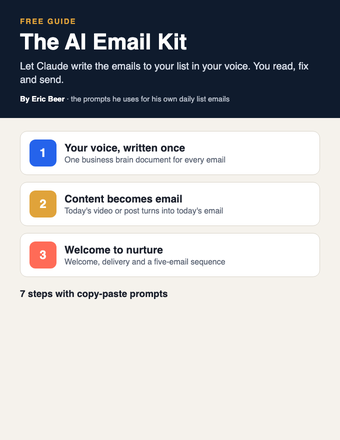
The AI Email Kit: have Claude write the emails to your list in your voice

Stop writing every email to your list yourself. Give Claude your voice once, then turn each video or post into an email and set up your welcome and follow-up emails.

Get the guide →
Cover of The AI Company Blueprint
AI agentsGetting startedClaude / ChatGPT / Claude Code

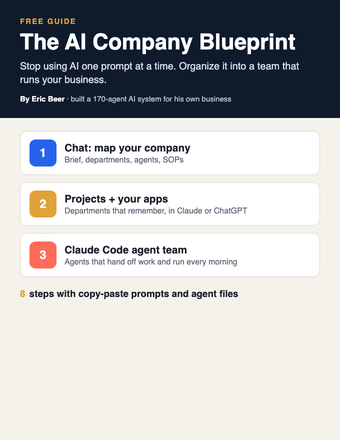
The AI Company Blueprint: organize AI into a team that runs your business

Stop using AI one prompt at a time. Map your company, write SOPs your agents follow, and build the team in Claude, ChatGPT or Claude Code.

Get the guide →
Cover of Your AI Org Chart
AI agentsGetting startedClaude / ChatGPT

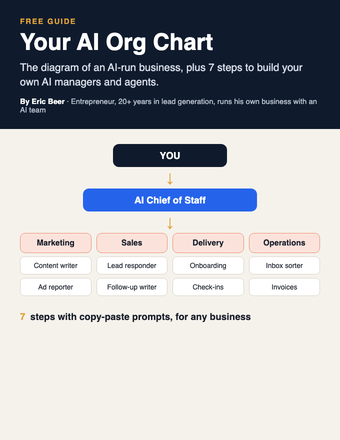
Your AI Org Chart: the diagram, and how to build it for any business

The diagram of an AI-run business, plus 7 steps with copy-paste prompts to build your own AI managers and agents.

Get the guide →
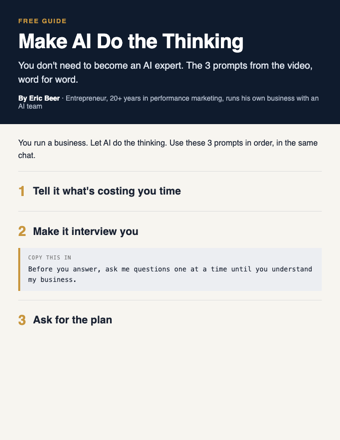
Cover of Make AI Do the Thinking
PromptsGetting startedChatGPT / Claude

Make AI Do the Thinking: the 3 prompts, word for word

You don't need to become an AI expert. Three copy-paste prompts: tell it what's costing you time, make it interview you, get the plan.

Get the guide →
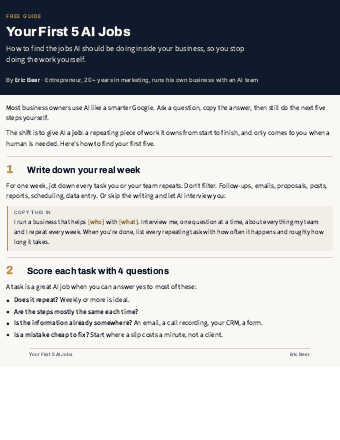
Cover of Your First 5 AI Jobs
AI agentsGetting startedAny AI

Your First 5 AI Jobs: stop doing the work AI should be doing

How to find the jobs AI should own inside your business, score them, and start with the one that saves you the most time.

Get the guide →
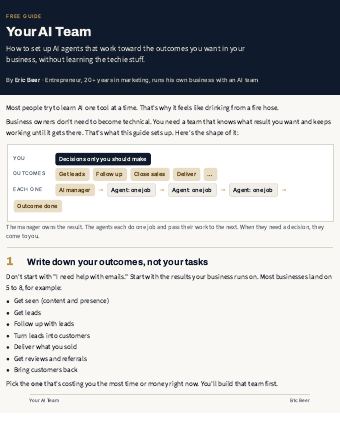
Cover of Your AI Team
AI agentsGetting startedAny AI

Your AI Team: set up AI agents that run your outcomes

The 7-step setup I use: outcomes, an AI manager for each, agents with one job, and decisions that come to you.

Get the guide →
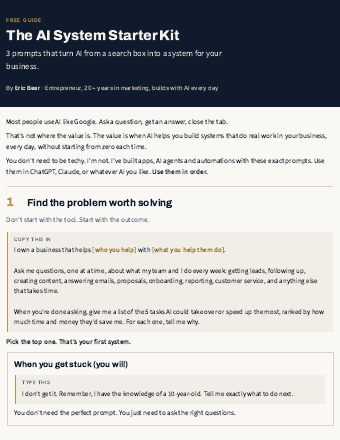
Cover of AI System Starter Kit
PromptsGetting startedChatGPT / Claude

The AI System Starter Kit: 3 prompts that turn AI into a system

Stop using AI like Google. Three copy-paste prompts to find the problem worth solving and get a step-by-step plan.

Get the guide →
new guides every week

See the library

Explore ericbeer.ai Join the waitlist

watch & learn

See how I put AI to work

Short videos on how I run my business with an AI team. Watch on whichever app you like.

My LinkedIn Got Hacked. I Let AI Rebuild the Whole Thing.

My LinkedIn Got Hacked. I Let AI Rebuild the Whole Thing.

Claude Can Now Find You a Job (Meet the AI Team)

Claude Can Now Find You a Job (Meet the AI Team)

Claude Rewrote My Whole LinkedIn With One Button

Claude Rewrote My Whole LinkedIn With One Button

AI Applied to 64 Jobs For Me (I Got an Interview Overnight)

AI Applied to 64 Jobs For Me (I Got an Interview Overnight)