Want the complete guide?

The full guide, every other guide, the AI agents I use and live calls are going inside my community. Join the waitlist for the founding-member price.

Join the waitlist →
your free guide

The Comment-to-Customer Funnel Map: turn every video comment into an email subscriber with Claude

A video gets a comment. Then what? For most businesses, nothing. The comment sits there, the person scrolls on, and you never hear from them again.

Here's how my funnel works. Every video I post has its own comment keyword. When someone comments it, ManyChat replies to the comment and sends a DM. The DM asks for an email, then sends the free guide link. The contact lands in GoHighLevel tagged with that keyword, so I know exactly which video brought each person. Then they get a daily email, and offers come later.

This guide maps every piece and gives you the prompts to write it all with Claude (ChatGPT works the same). The tools I use are examples, not requirements. Any DM tool and any email tool with tags will do.

1

Step 1: See the whole map first

  1. Video: ends with "Comment WORD and I'll send you the guide."
  2. Comment: someone comments the word.
  3. Public reply: an automatic reply under their comment, like "Sent, check your DMs."
  4. DM: a short message with a button to get the guide.
  5. Email ask: the DM asks for their email so you can send it.
  6. Guide link: the DM sends the link once they share an email.
  7. Tag: the contact lands in your email tool, tagged with the keyword.
  8. Delivery email: the guide link again, by email.
  9. Daily email: something useful, every day.
  10. Offer: later, once they know you.

Sketch this for your business before you touch any tool. Then have Claude fill in the details.

Copy this inHere's my business: [what you sell, who buys it, your price range]. Here's the free guide I'll give away: [guide name and what's in it]. Map my comment-to-customer funnel step by step: video, comment keyword, public reply, DM, email ask, guide delivery, tag, delivery email, daily emails, and the first offer. For each step, tell me what it does, what I need to write, and which feature of my tools handles it. My tools: [your DM tool, for example ManyChat] and [your email tool]. Keep it plain, and flag anything I'll need to test.
2

Step 2: Pick one unique keyword per video

Every video gets its own keyword. That's how you know which video worked.

Watch out for "contains" matching. Many DM tools can fire when a comment contains your keyword, not only when it matches exactly. So a short keyword can hide inside other words. "AI" sits inside "said" and "paid". "PLAN" sits inside "planning" and "planet". "TIP" sits inside "multiple". Your automation then DMs people who never asked. Pick a word that won't show up inside normal comments.

  • One real word, easy to spell on a phone.
  • Longer is safer. Five letters or more.
  • Doesn't hide inside common words.
  • Matches the guide's topic, so people remember it.
  • Never reused. Keep a simple list: keyword, video, guide, date posted.
Copy this inI need a comment keyword for a video about [topic]. My free guide is [guide name]. Keywords I've already used: [your list]. Give me 10 options. Each must be one real word, easy to spell on a phone, and related to the topic. For each one, check whether it appears inside other common English words people might write in comments (the way AI sits inside "said" and "paid"). Cross out any that do, and any on my used list. Then recommend the best one and tell me why.
3

Step 3: Write the replies and DMs with Claude

Copy this inWrite the messages for my comment keyword automation. Keyword: [WORD] Free guide: [guide name], [one line on what's inside] My voice: [plain, friendly, short... plus a line you've actually said] Write: 1. Five short public replies to the comment, all different so they don't look like spam (for example "Sent, check your DMs"). 2. The first DM: one or two sentences that thank them, plus a button label to get the guide. 3. The email ask: one sentence asking for their email so I can send the guide, plus a line saying they can unsubscribe any time. 4. The delivery DM: the guide link and one sentence on what to do first. 5. A nudge for people who haven't shared an email after a few hours: one friendly sentence. 6. A reply for when the email looks wrong (missing @ or a typo). Rules: under 40 words per message, no hype, no pressure, no promises I haven't told you I can keep.

Read each one out loud. If it sounds like a robot, ask Claude to make it sound more like the line you gave it.

4

Step 4: Capture the email and tag it by keyword

This step turns a comment into a contact you can email. In ManyChat, the DM can ask for an email and save it to the contact. Then the contact goes to your email tool. I use GoHighLevel. Kit, Mailchimp or any tool with tags works the same way.

  • Ask for the email inside the DM and save it to the contact.
  • Send the contact to your email tool with a built-in integration, or with a webhook or Zapier if there isn't one.
  • Add a tag named after the keyword, like kw-funnel. Same format every time.
  • Add the contact to your daily email list.
  • Test it: comment the word from a second account, give a real email, and check the contact shows up with the right tag.
Copy this inI use [DM tool] for comment automations and [email tool] for email. Write me a plain, click-by-click setup checklist for: catching the comment keyword [WORD], replying publicly, sending the DM, asking for and saving the email, sending the contact to [email tool] with the tag kw-[word], and adding them to my daily email list. If you aren't sure what a menu is called in either tool, say so and tell me what to look for instead of guessing. End with a test I can run in five minutes.
5

Step 5: Write the delivery email and the first week

Copy this inWrite the emails that go out after someone comments [WORD] and gives me their email. Business: [what you sell and who buys it] Free guide: [name and link] My voice: [how you talk, plus a line you've actually written] My offer for later: [what you sell, and when it's right for someone] Write: 1. The delivery email (sends right away): subject line, the guide link near the top, one sentence on the first step to try, and what they'll get from me each day. 2. Days 2 to 7: one email a day. Each teaches one useful thing related to the guide, uses a real example from my business where I've given you one (write [ADD REAL EXAMPLE] where I haven't), and ends with one simple question they can reply to. No hard selling in the first week. Day 7 can mention my offer once, softly. Rules: plain sentences, under 200 words each, no made-up results, no income claims, an unsubscribe line at the bottom.

Load these into your email tool as an automation that starts when the keyword tag is added. After week one, they move to your regular daily email.

6

Step 6: Instagram and TikTok notes

  • Instagram: set up the automation on every account that will post the video, before you post.
  • TikTok: ManyChat's TikTok comment triggers aren't available everywhere. If you can't use them, say "DM me the word FUNNEL" in the video and the caption instead of "comment", and set the automation to fire on the DM keyword.
  • Say the keyword out loud, put it on screen, and put it in the caption.
  • Test from a second account on every app, every time. Don't post until it works.
Copy this inRewrite this call to action for TikTok, where people DM me the word instead of commenting it: [your Instagram call to action]. Give me the spoken line, the on-screen text and the caption line. Keep the keyword exactly the same.
7

Step 7: A worked example, then the rules

Example. A small landscaping company posts a video: "Your lawn turns yellow every August because of one watering mistake. Comment WATERING and I'll send you our summer watering schedule." The word is long, specific and won't hide inside other comments. The public reply says "Sent, check your DMs." The DM asks for an email, then sends the schedule. The contact lands in their email tool tagged kw-watering. Day 1 sends the schedule again by email. Days 2 to 7 cover one lawn tip each. Day 7 mentions their seasonal care plan once. The next video gets a new word, like MOWING, and its own tag. Now they can see which videos bring people in.

Rules and common mistakes:

  • Short keywords that hide inside other words. Run the Step 2 check.
  • Reusing a keyword. You lose track of which video worked.
  • Posting before the automation is tested.
  • Asking for the email before saying thanks. Thank them first, then ask.
  • Selling hard in week one. Give first. Offer later.
  • Forgetting the TikTok DM route.
  • Collecting emails and never writing to them. The daily email is what builds trust.
the rest of this guide is inside the community

Unlock the full guide

  • My keyword list and how I track which video brought each person
  • The DM and email copy I use, from comment to daily email
  • Live sessions: we map your funnel and test it together
  • My prompts for writing a week of daily emails in one sitting

Get this guide in full, every other guide, the AI agents I use, and live calls, inside my community.
Founding members: $47 first month, then $97/month.
Join the waitlist

keep going

More free guides

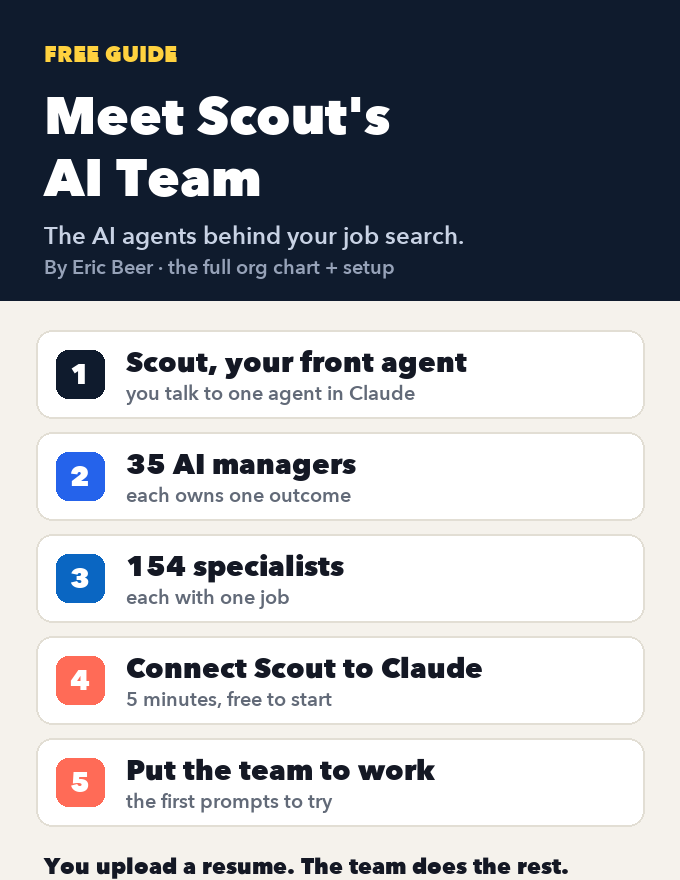
Cover of Meet Scout's AI Team
AI agentsGetting startedClaude + Scout

Meet Scout's AI team: the org chart of AI agents that runs a job search, and how to connect it to Claude

See every agent behind Scout Jobs: Scout at the top, 35 AI managers that each own one outcome, and the 154 specialists who do the work, each with one job. Then connect Scout to Claude, step by step, and put the team to work on your job search.

Get the guide →
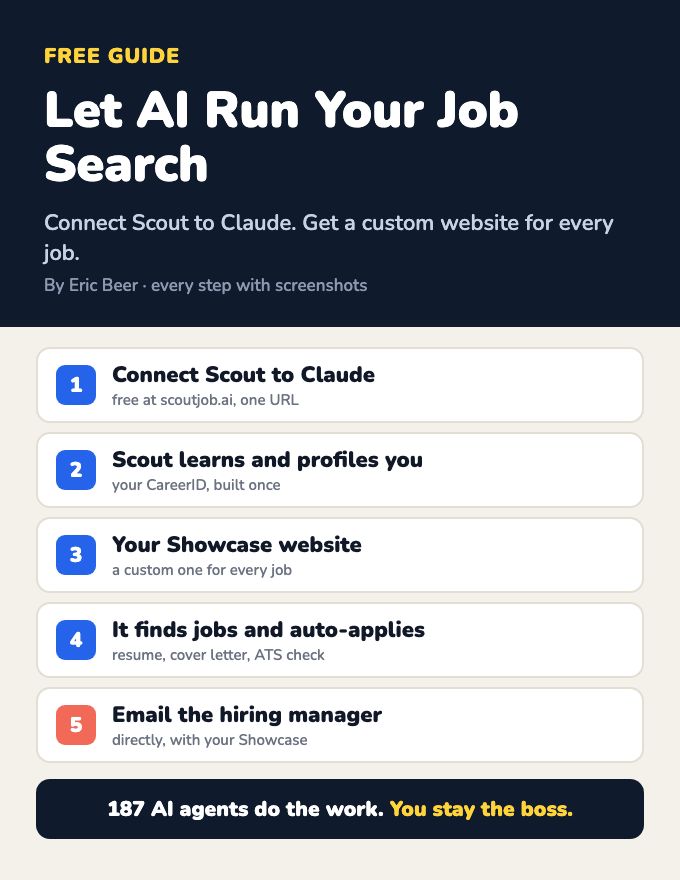
Cover of Your AI Job Agent: Scout + Claude
AI agentsGetting startedClaude + Scout

Let AI run your job search: connect Scout to Claude and get a custom website for every job

Connect Scout to Claude and a team of AI agents learns who you are, builds your CareerID and a Showcase website, finds jobs, makes a custom Showcase for each one, applies, and emails the hiring manager. Every step, with screenshots.

Get the guide →
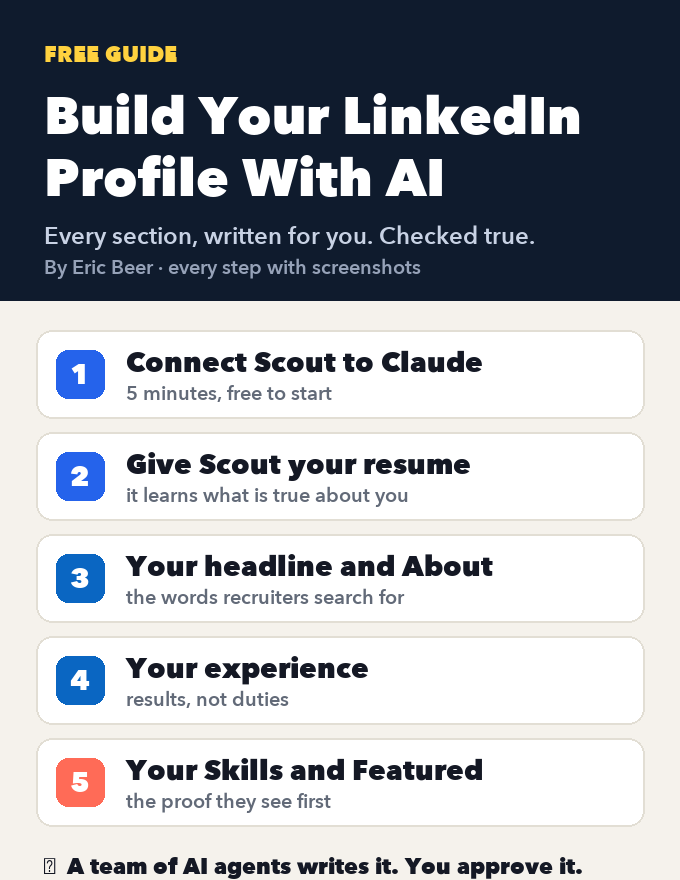
Cover of Build Your LinkedIn Profile With AI
AI agentsGetting startedClaude + Scout

Build your LinkedIn profile with AI: connect Scout to Claude and let it write every section

Create or fix your LinkedIn profile, section by section: headline, About, experience, Skills and Featured. Connect Scout to Claude, give it your resume, and AI agents write every section, checked against what's true. Every step with screenshots.

Get the guide →
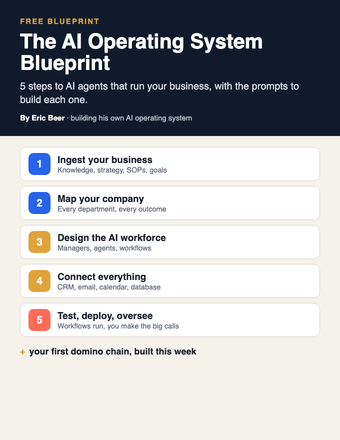
Cover of The AI Operating System Blueprint
AI agentsGetting startedClaude / ChatGPT

The AI Operating System Blueprint: 5 steps to AI agents that run your business

Ingest your business, map the company, design the AI workforce, connect your tools, then test and deploy. The 5 steps, with the prompts for each.

Get the guide →
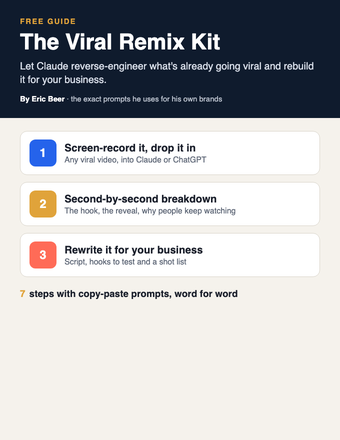
Cover of The Viral Remix Kit
PromptsGetting startedClaude / ChatGPT

The Viral Remix Kit: turn any viral video into one for your business with Claude

Stop coming up with content ideas from scratch. Have Claude reverse-engineer a video that's already going viral and rebuild it for your business.

Get the guide →
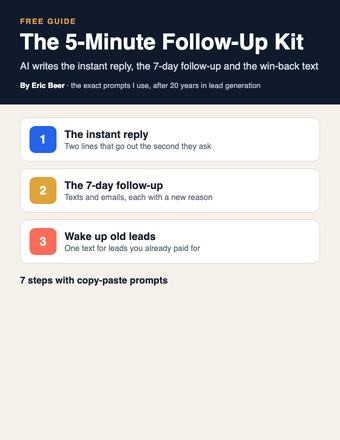
Cover of The 5-Minute Follow-Up Kit
PromptsGetting startedClaude / ChatGPT

The 5-Minute Follow-Up Kit: let AI write every follow-up so no lead goes cold

Whoever answers first usually wins. Have Claude write your instant reply, your 7-day follow-up and the win-back text for old leads, then load them into your CRM once.

Get the guide →
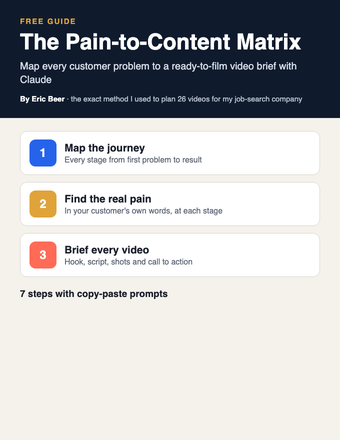
Cover of The Pain-to-Content Matrix
PromptsGetting startedClaude / ChatGPT

The Pain-to-Content Matrix: map every customer problem to a video brief with Claude

Stop guessing what to post. Have Claude map every stage of your customer's journey, the pain at each one, and a ready-to-film video brief for every pain.

Get the guide →
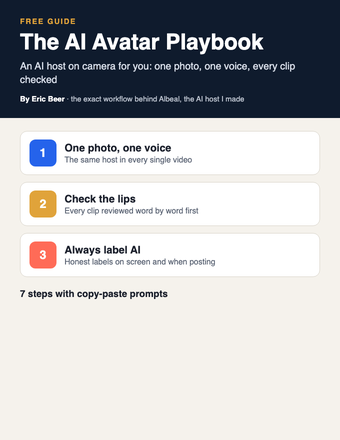
Cover of The AI Avatar Playbook
PromptsGetting startedClaude / ChatGPT + an AI video tool

The AI Avatar Playbook: put an AI host on camera for your business, the honest way

Stop filming every video yourself. Build an AI host with one photo and one voice, have Claude write the scripts, check the lips word by word and always label it AI.

Get the guide →
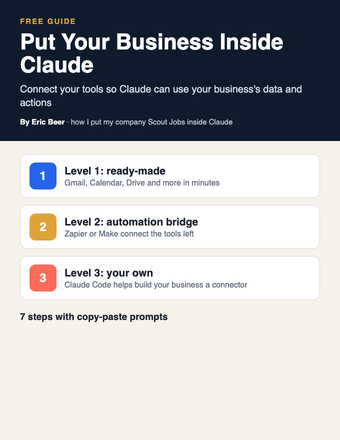
Cover of Put Your Business Inside Claude
AI agentsGetting startedClaude / Claude Code

Put Your Business Inside Claude: connect your tools and data so Claude can work in your business

My company Scout Jobs runs inside Claude as a connector. Here's how to connect your own tools in three levels, from one-click connectors to building your own with Claude Code.

Get the guide →
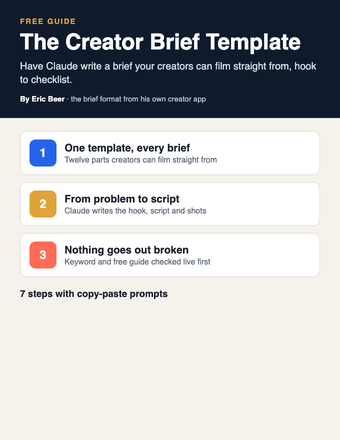
Cover of The Creator Brief Template
PromptsGetting startedClaude / ChatGPT

The Creator Brief Template: have Claude write a filmable brief for every creator and team member

Stop writing every script yourself. Have Claude turn one customer problem into a full brief your creators can film straight from, then check it before it goes out.

Get the guide →
Cover of The SOP-to-Agent Kit
AI agentsPromptsClaude / ChatGPT

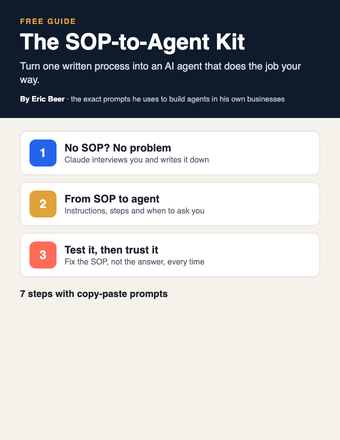
The SOP-to-Agent Kit: turn one written process into an AI agent that does the job your way

Stop being the bottleneck. Have Claude turn one of your processes into an agent in a Claude Project, test it, and fix it until it does the job your way.

Get the guide →
Cover of The Business Brain
Getting startedPromptsClaude / ChatGPT

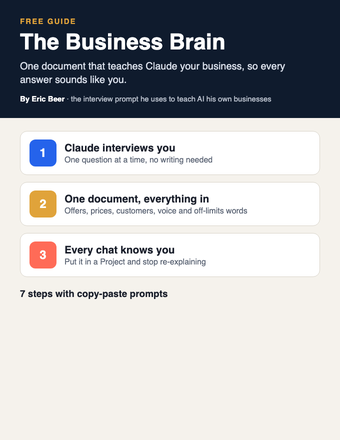
The Business Brain: have Claude interview you and write the one document that teaches AI your business

Stop getting generic answers. Let Claude interview you, write one document about your business, and put it in a Project so every chat knows your business.

Get the guide →
Cover of Build Your Site With Claude
Getting startedPromptsClaude / Claude Code

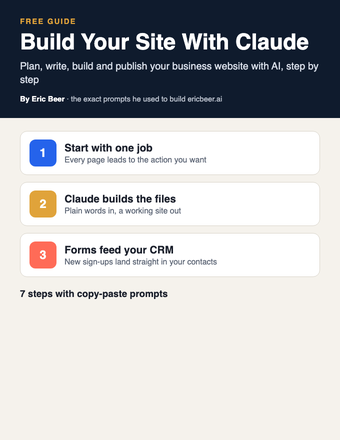
Build Your Site With Claude: plan, write, build and publish your business website with AI

Stop paying someone every time your site needs a change. Decide the one job your site has, then have Claude plan, write and build it, connect the form to your CRM and put it live.

Get the guide →
Cover of The AI Chief of Staff Setup
AI agentsGetting startedClaude / ChatGPT

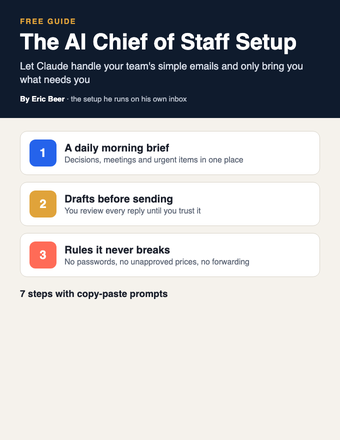
The AI Chief of Staff Setup: let Claude answer your team's simple emails and only bring you what needs you

Stop answering every team email yourself. Start with a read-only morning brief, move to drafts you approve, and add one-line alerts for anything only you can decide.

Get the guide →
Cover of The AI Webinar Builder
PromptsGetting startedClaude / ChatGPT

The AI Webinar Builder: plan your whole webinar with Claude, from the promise to the follow-up emails

Stop building webinars by hand. Use Claude to write the promise, the run of show, the slides, the registration page and every email, one piece at a time.

Get the guide →
Cover of The AI Email Kit
PromptsGetting startedClaude / ChatGPT

The AI Email Kit: have Claude write the emails to your list in your voice

Stop writing every email to your list yourself. Give Claude your voice once, then turn each video or post into an email and set up your welcome and follow-up emails.

Get the guide →
Cover of The AI Company Blueprint
AI agentsGetting startedClaude / ChatGPT / Claude Code

The AI Company Blueprint: organize AI into a team that runs your business

Stop using AI one prompt at a time. Map your company, write SOPs your agents follow, and build the team in Claude, ChatGPT or Claude Code.

Get the guide →
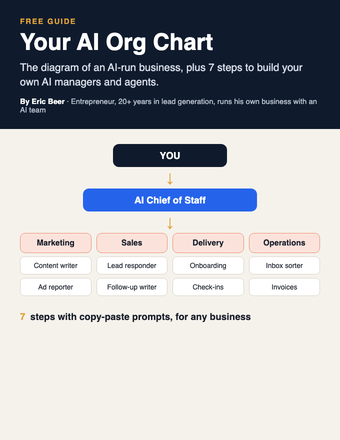
Cover of Your AI Org Chart
AI agentsGetting startedClaude / ChatGPT

Your AI Org Chart: the diagram, and how to build it for any business

The diagram of an AI-run business, plus 7 steps with copy-paste prompts to build your own AI managers and agents.

Get the guide →
Cover of Make AI Do the Thinking
PromptsGetting startedChatGPT / Claude

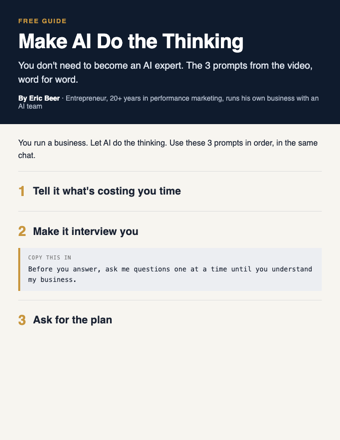
Make AI Do the Thinking: the 3 prompts, word for word

You don't need to become an AI expert. Three copy-paste prompts: tell it what's costing you time, make it interview you, get the plan.

Get the guide →
Cover of Your First 5 AI Jobs
AI agentsGetting startedAny AI

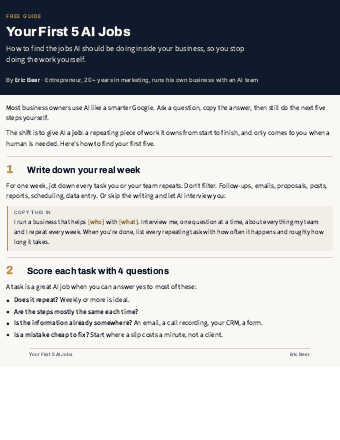
Your First 5 AI Jobs: stop doing the work AI should be doing

How to find the jobs AI should own inside your business, score them, and start with the one that saves you the most time.

Get the guide →
Cover of Your AI Team
AI agentsGetting startedAny AI

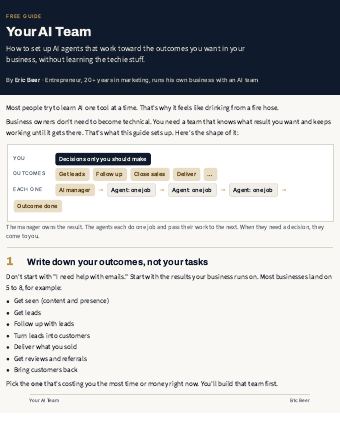
Your AI Team: set up AI agents that run your outcomes

The 7-step setup I use: outcomes, an AI manager for each, agents with one job, and decisions that come to you.

Get the guide →
Cover of AI System Starter Kit
PromptsGetting startedChatGPT / Claude

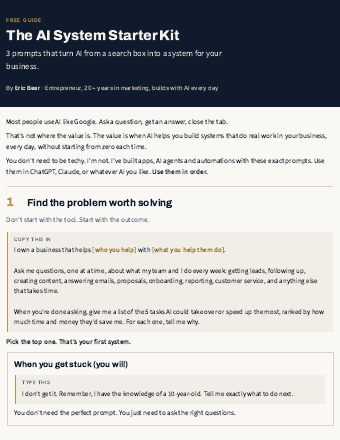
The AI System Starter Kit: 3 prompts that turn AI into a system

Stop using AI like Google. Three copy-paste prompts to find the problem worth solving and get a step-by-step plan.

Get the guide →
new guides every week

See the library

Explore ericbeer.ai Join the waitlist

watch & learn

See how I put AI to work

Short videos on how I run my business with an AI team. Watch on whichever app you like.

My LinkedIn Got Hacked. I Let AI Rebuild the Whole Thing.

My LinkedIn Got Hacked. I Let AI Rebuild the Whole Thing.

Claude Can Now Find You a Job (Meet the AI Team)

Claude Can Now Find You a Job (Meet the AI Team)

Claude Rewrote My Whole LinkedIn With One Button

Claude Rewrote My Whole LinkedIn With One Button

AI Applied to 64 Jobs For Me (I Got an Interview Overnight)

AI Applied to 64 Jobs For Me (I Got an Interview Overnight)