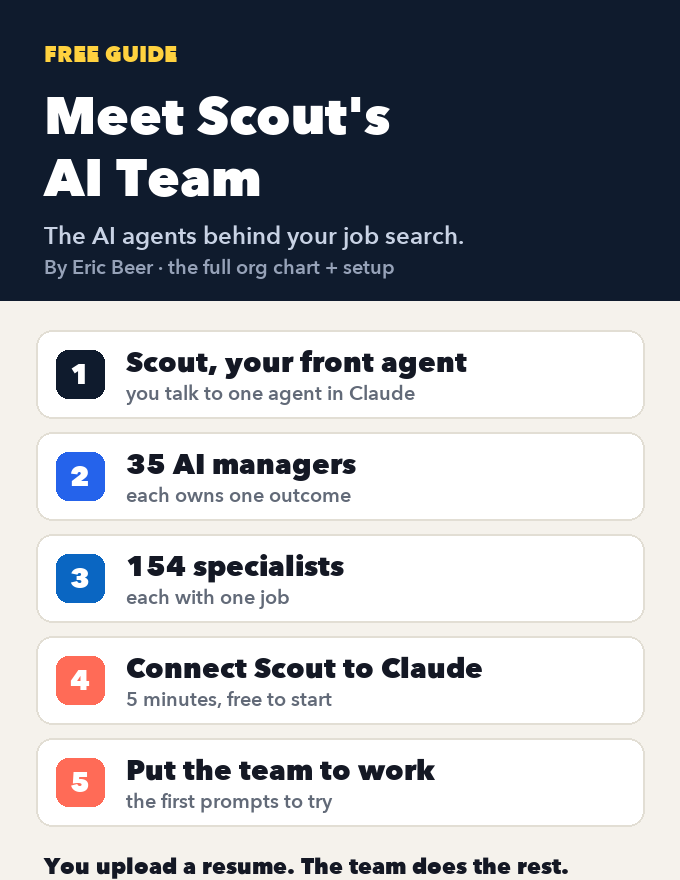
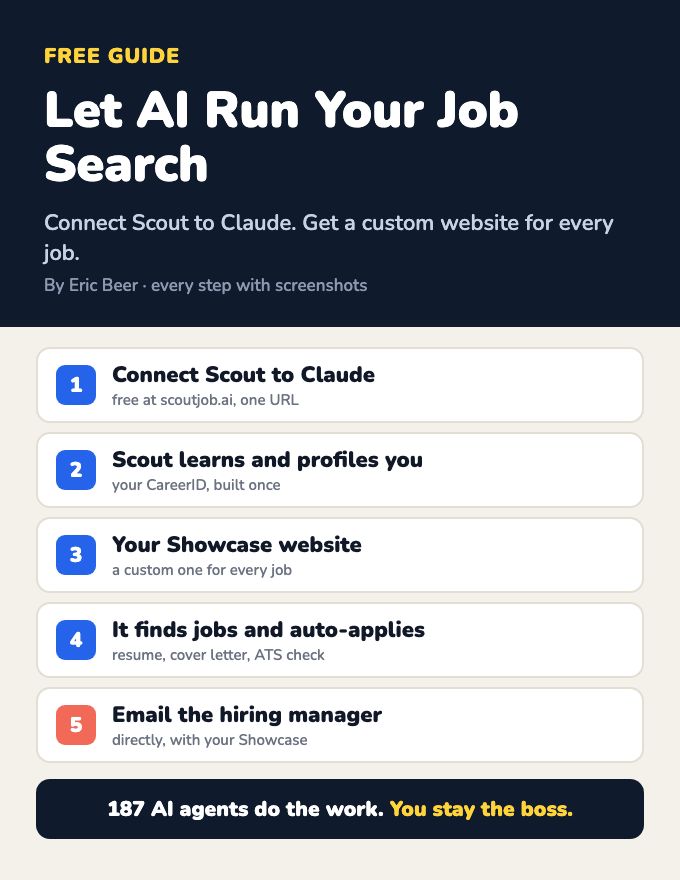
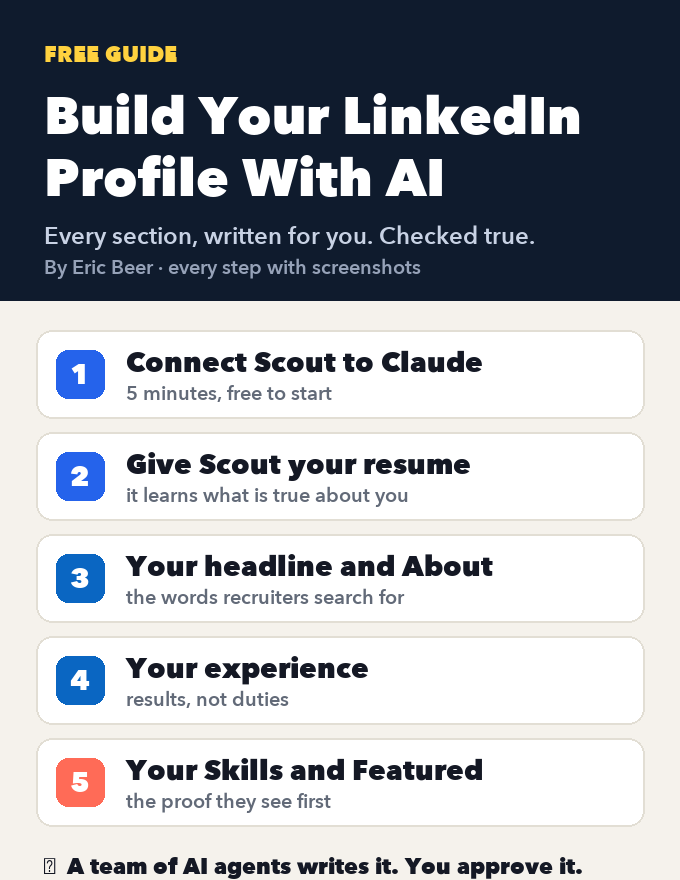
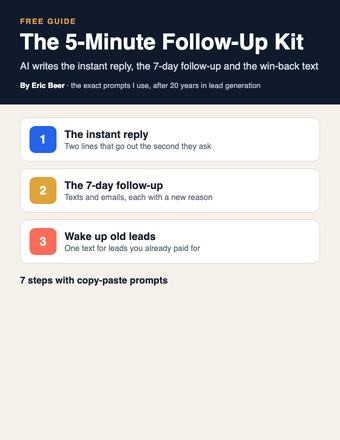
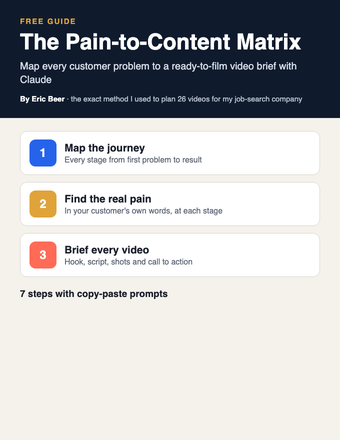
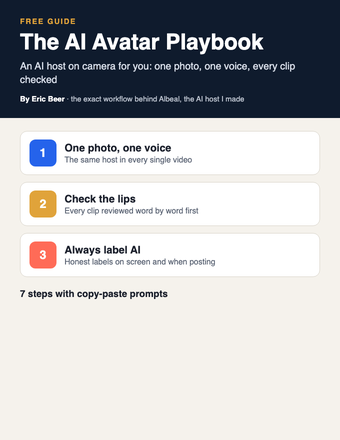
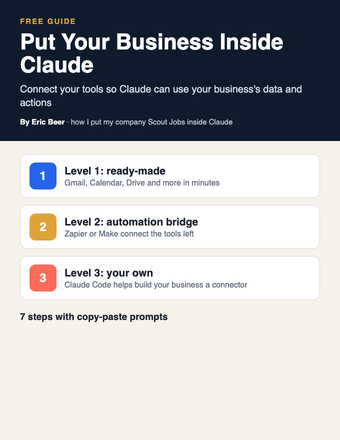
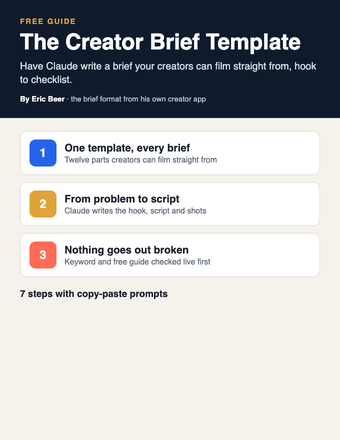
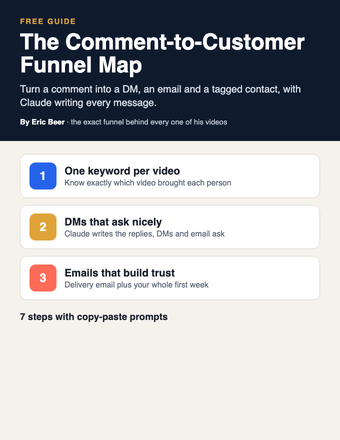
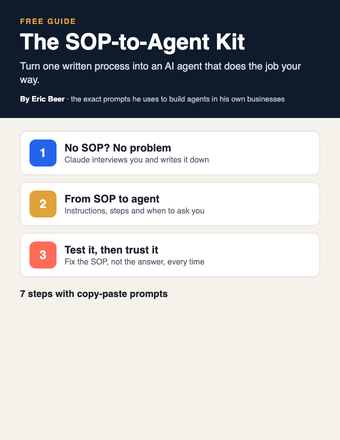
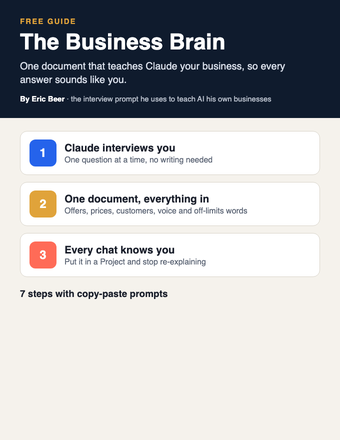
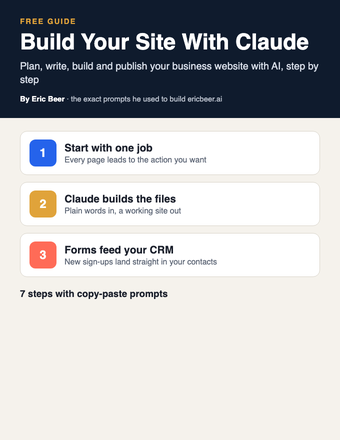
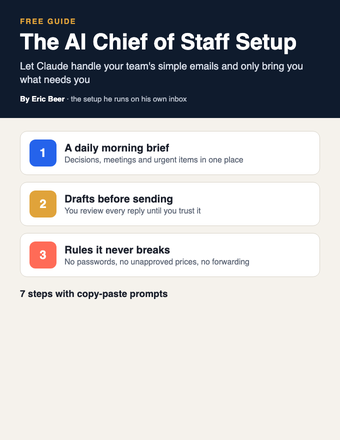
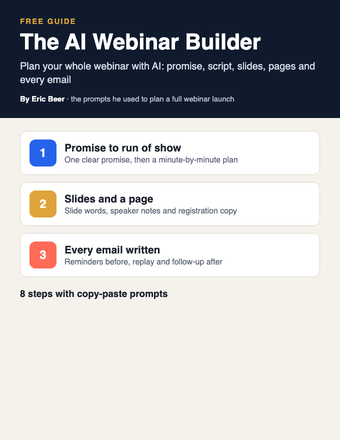
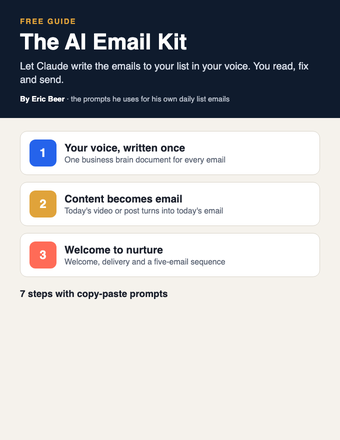
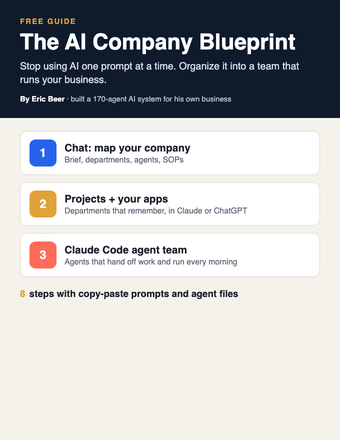
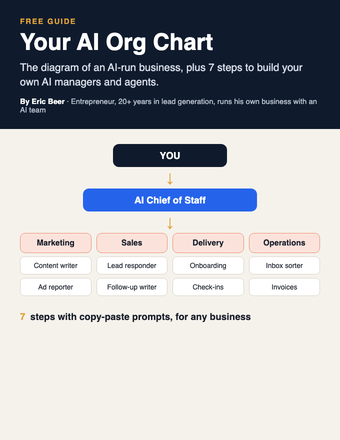
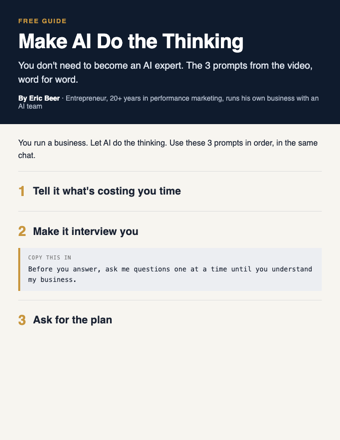
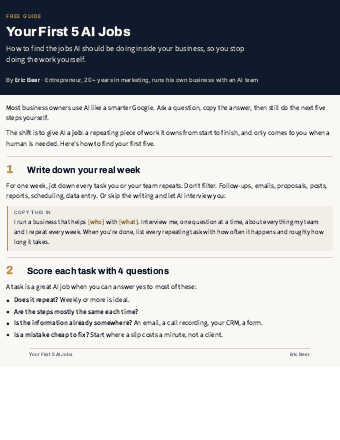
Want the complete guide?
The full guide, every other guide, the AI agents I use and live calls are going inside my community. Join the waitlist for the founding-member price.
Join the waitlist →The AI Operating System Blueprint: 5 steps to AI agents that run your business
Everybody wants AI agents running their business: generating leads, creating content, following up, closing sales, running operations. Then you try to build it and drown in agents, workflows, automations, integrations and APIs. You end up spending more time building AI than running the business you wanted automated.
An AI operating system fixes the order. You don't start with tools. You start with your business, and you build it like dominoes:
One action sets off the whole chain. AI runs each domino. You only step in for the important decisions.
Here are the 5 steps, in order, with the prompts to do each one. They work in Claude, ChatGPT or any AI. Use them in the same chat so it remembers what it learned.
Step 1: Ingest your business
AI can't run a business it doesn't understand. Before any agent exists, get what's in your head and your files into one place: your knowledge, strategy, SOPs, processes and goals.
Then feed it what you already have. Paste in or upload your existing SOPs, sales scripts, email templates, price sheet and onboarding docs, and say:
Save the result as business-brain. Every agent you build reads it first.
Step 2: Map your company
Now turn the business into a map: every department, and the outcome each one owns.
Save this as company-map. The top-ranked outcome is where your first domino chain goes.
Step 3: Design the AI workforce
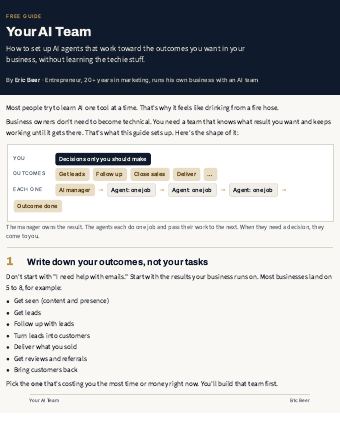
For each department you design three things: an AI manager who owns the outcome, specialized agents that each do one job, and the workflow that moves work between them.
Then make each agent reliable. An agent is only as good as its instructions:
Do one department all the way through before you start the next.
Step 4: Connect everything
This is the plumbing. Agents get useful when they can see your real leads, emails, calendar and records.
- List the pipes. For your first department, write down the tools the work touches: your CRM, email, calendar, database or spreadsheet, and anything else.
- Connect them where your AI lives. Claude and ChatGPT both have built-in connectors for tools like Gmail, Google Calendar and Google Drive (look under settings). In Claude Code, tools connect through MCP, an open standard many apps now support. Automation tools like Zapier and Make bridge to thousands more.
- One pipe at a time, read-only first. Let the agent read before you let it write.
Nothing sends to a customer and nothing spends money without your OK until you trust it.
Step 5: Test, deploy and oversee
Don't flip the whole thing on. Test it, deploy it in draft mode, then let the workflows run while you oversee the decisions that matter.
Run it in draft mode for two weeks. Every time it gets something wrong, fix the SOP, not just the answer. Then move items from "wait for my approval" to "do on their own" one at a time.
Build your first domino chain this week
You don't need the whole operating system to feel this work. Build one chain, end to end, on your top-ranked outcome. New leads is the best place to start for most businesses.
One chain running is worth more than ten planned. Once it holds, add the next domino chain, then the next department. That is how the operating system gets built.
Unlock the full guide
- The operating system map I'm building for my own business
- My domino chains for leads, content and follow-up, step by step
- Ready-made agent files and SOPs you can copy
- Live build sessions: we wire up your first chain together
- First access to the AI Company Builder when it opens
Get this guide in full, every other guide, the AI agents I use, and live calls, inside my community.