Want the complete guide?

The full guide, every other guide, the AI agents I use and live calls are going inside my community. Join the waitlist for the founding-member price.

Join the waitlist →
your free guide

Let AI run your job search: connect Scout to Claude and get a custom website for every job

I spent almost two hours recording myself using one tool, because I couldn't believe what it was doing. I connected Scout to Claude, gave it my background, and let it run my job search. It built a professional website about me for every job, 64 of them. It applied for me, found the hiring managers, emailed them directly, and I woke up to an interview request.

Here's exactly how to set it up yourself, step by step: how Scout learns who you are, profiles you, builds your CareerID, turns it into a Showcase, finds jobs, customizes a Showcase for every job, auto-applies, finds the hiring team and emails them directly.

It's free to get started at scoutjob.ai. You don't need to be technical. If you can paste a link and type a sentence, you can do this.

1

Step 1: Get Scout (free)

Scout is the AI job agent that does the work. It's built by BeChosen and lives at scoutjob.ai. It's free to get started: your CareerID (the profile Scout builds about you) costs nothing, and the paid tools come with a free trial.

Go to scoutjob.ai and click Start free.
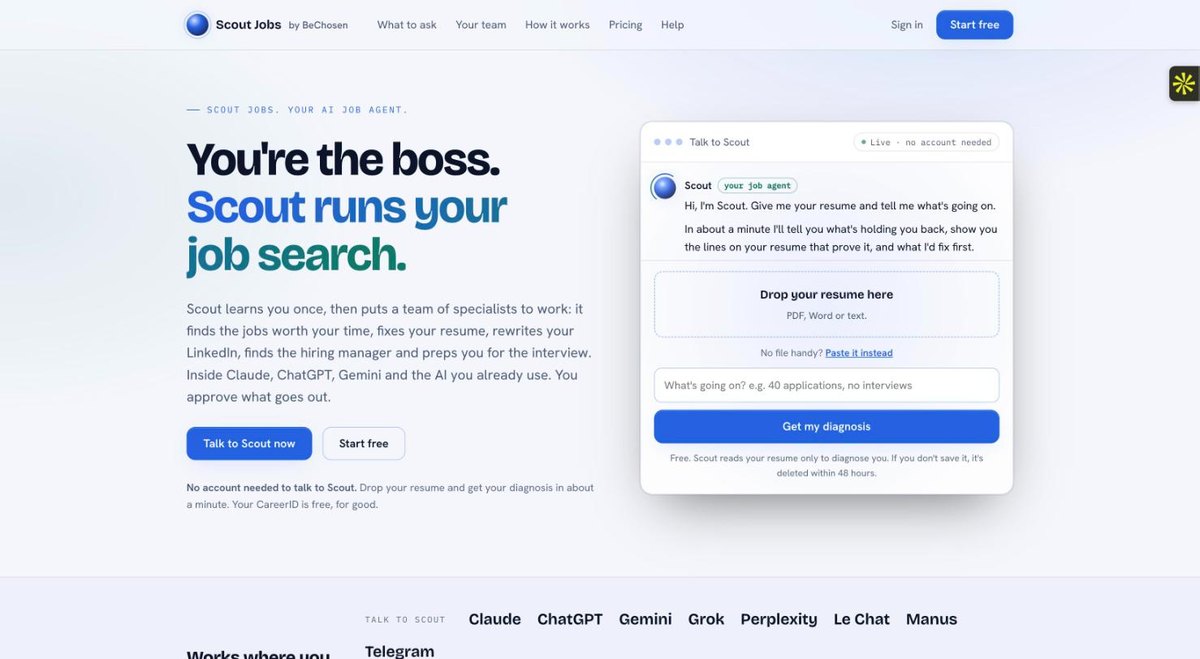
The scoutjob.ai home page with the Start free button

Grab two files while you're there. You'll give them to Scout in Step 4:

  1. Your resume (PDF or Word). No resume? That's fine. Scout can build one with you.
  2. Your LinkedIn profile as a PDF. On LinkedIn, open your profile, click Resources (or More), then Save to PDF.
2

Step 2: Connect Scout to Claude

This is the step that makes it all work. Scout plugs into Claude as a connector, so you talk to Claude and Scout's whole team does the work behind it. It works on claude.ai and in the Claude desktop app. (ChatGPT, Gemini and others work too. I use Claude.)

  1. Click Customize in the left sidebar, then Connectors.
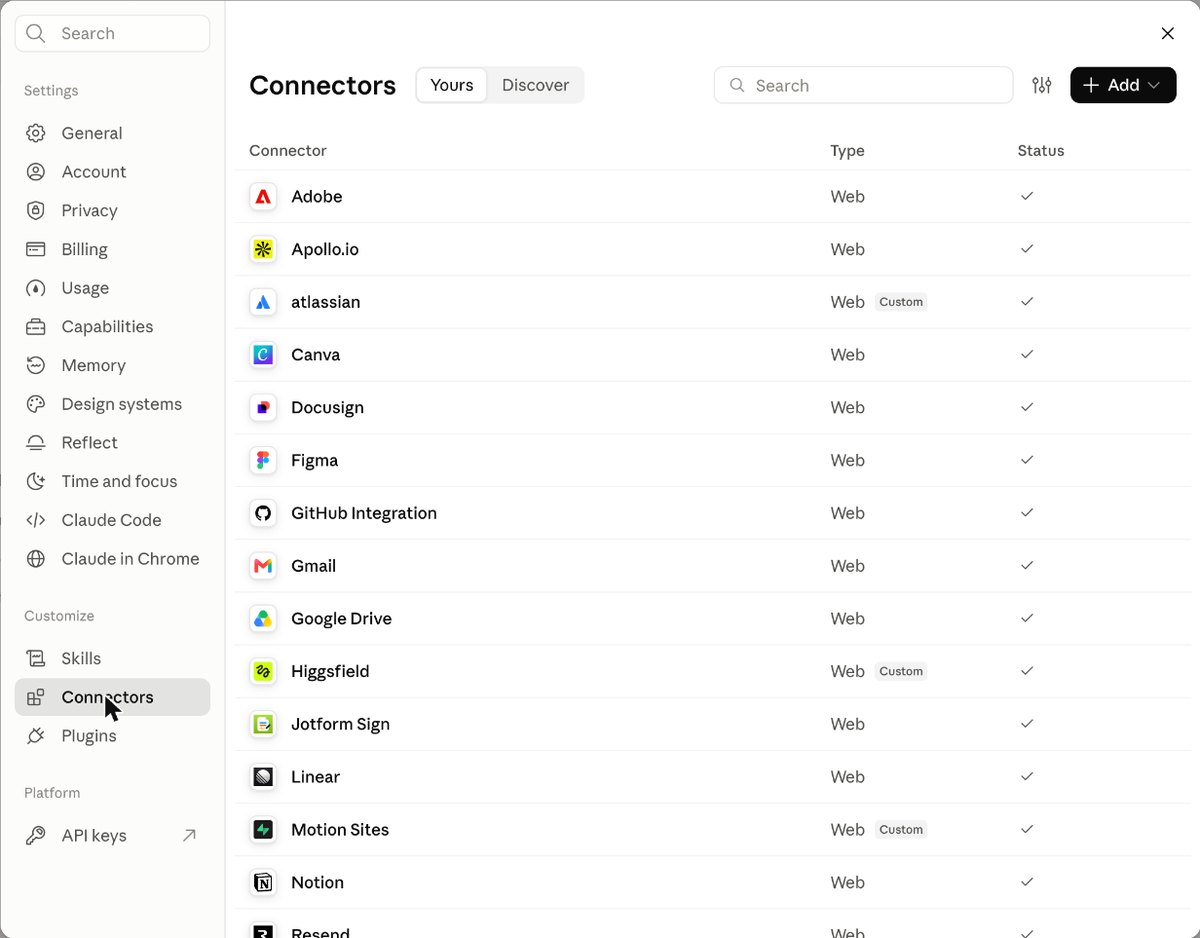
Claude settings open on the Connectors page
  1. Click Add in the top right, then Add custom connector.
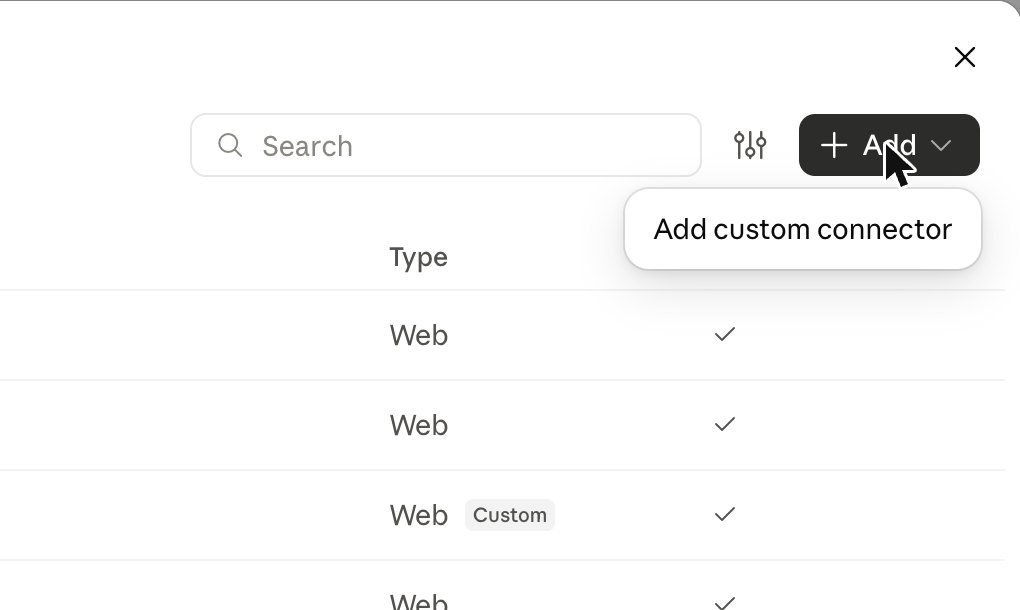
The Add menu showing Add custom connector
  1. Name it Scout Jobs. For the URL, paste this exactly:
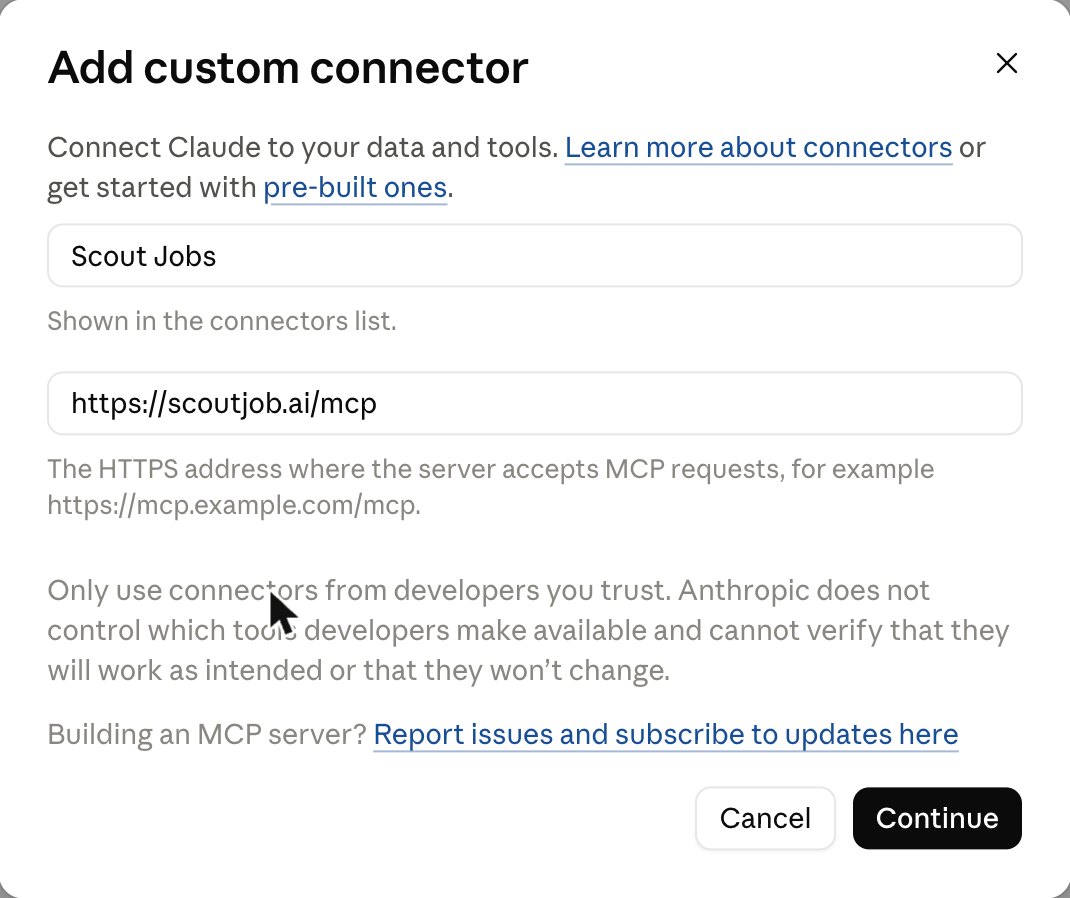
Paste this URLhttps://scoutjob.ai/mcp
The Add custom connector form filled in with Scout Jobs and https://scoutjob.ai/mcp
  1. Leave everything else as it is and click Continue.
  2. Sign in with your Scout account and tap Allow.

Scout now shows in your connectors list as Connected.

Scout listed in Claude's connectors with a Connected check mark

Custom connectors depend on your Claude plan. If you don't see Add custom connector, check Claude's help page on custom connectors for your plan.

3

Step 3: Let Scout work without asking every time

Open Scout in your connectors list. Under Tool permissions, set the groups to Always allow.
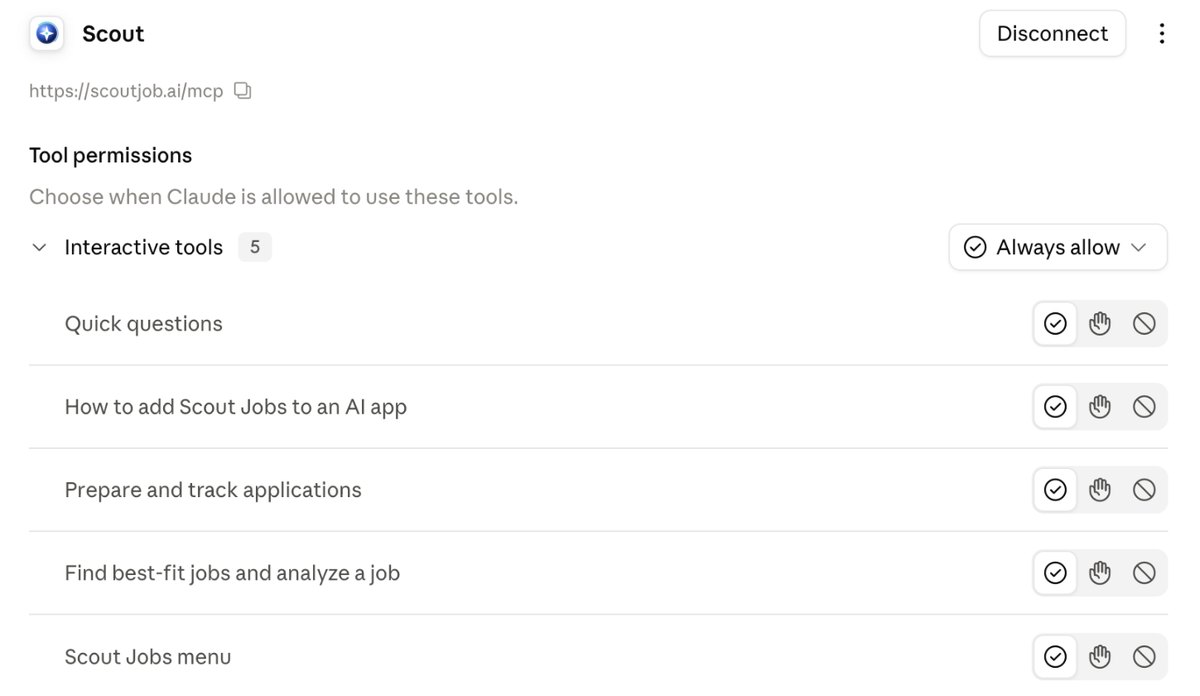
Scout's tool permissions in Claude set to Always allow

Now Scout can find jobs, update your CareerID and build Showcases without stopping to ask at every step. Anything that sends, applies, publishes or charges money still needs your own tap on a scoutjob.ai page. You stay the boss.

4

Step 4: Let Scout learn who you are

Open a new chat in Claude, attach your resume and your LinkedIn PDF, and say hi. Scout reads everything you give it: your roles, your results, your skills, your education.

Copy this inHi Scout. Here's my resume and my LinkedIn profile as a PDF. Get to know me and build my CareerID. The job I want next is [the role or kind of role you want]. Ask me anything you need.

Scout will ask you a few questions about what you want and what you've done that isn't on paper. Answer them like you're talking to a friend. This is where Scout picks up the things a resume never shows.

And it keeps learning. Any time something happens, tell it in one line:

Copy this inScout, here's what happened today: [new project, a result, an interview that went badly, a rejection].
5

Step 5: Scout profiles you

Next Scout builds what it calls a forensic profile. Think of an FBI profiler reading your career. It doesn't just list your jobs. It works out who you are: the pattern behind your career, what you're great at, and the proof for each strength. If you managed a team of six, it picks up leadership. If you kept turning around failing projects, it names that.

Ask Scout to walk you through it. This was the moment I was hooked. It summed up 20 years of my career in one line I'd never have written myself.

Copy this inScout, walk me through my forensic profile and what each strength means for my search.

If something is off, correct it. Scout only works from what's true about you, so the more you tell it, the better it positions you.

6

Step 6: Your CareerID

Everything Scout learns goes into your CareerID: your facts, your forensic profile, your tags (the roles you're aiming for), and your goals, all in one place. You set it up once and Scout uses it everywhere. No more pasting your history into every chat or uploading your resume to every job board.
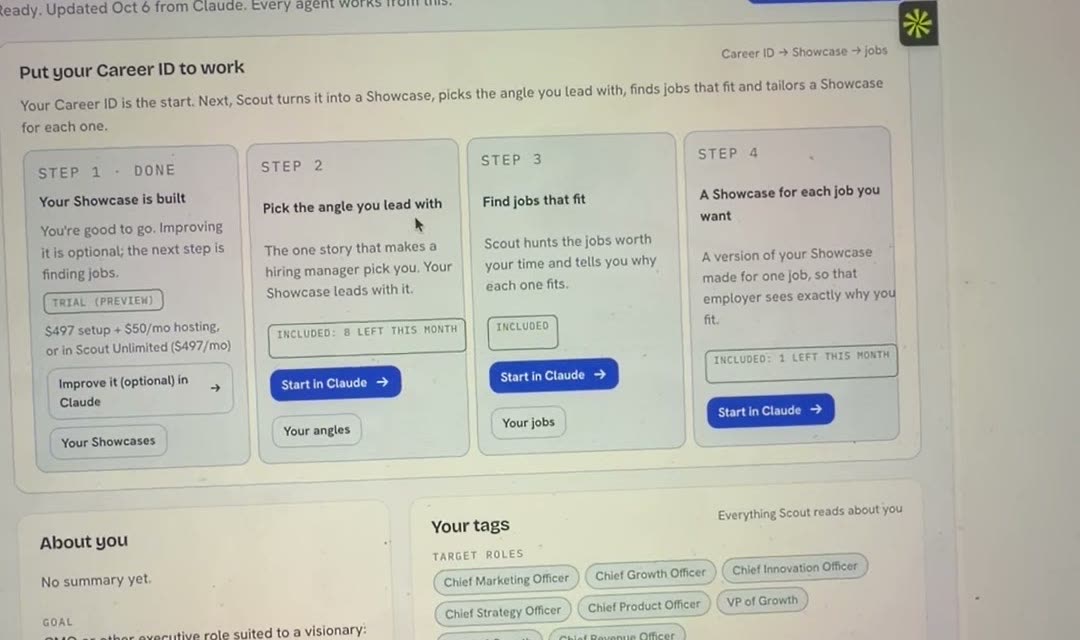
The Your Career ID page on scoutjob.ai showing the four steps to put it to work

Every agent on Scout's team checks its work against your CareerID. That's why Scout doesn't make things up. When it doesn't know something, it asks you instead of guessing.

7

Step 7: Turn your CareerID into a Showcase

This is the most powerful thing Scout does. A Showcase is a professional website about you, built from your CareerID.

A resume documents your past. It's facts. A Showcase positions you for what's next. It tells your story, shows your proof, and makes the case for why you're the one. Scout picks an angle for it (there are about ten, like Proof of Capability, Problems I Solve, or The Next Chapter), writes the story, then you choose how it looks.

Copy this inScout, build my main Showcase. Show me the angles you'd recommend for me and why.

Open the Showcase Studio to pick a design. There are hundreds of templates, and the design changes how people see you: bold and creative, clean and technical, or calm and premium.
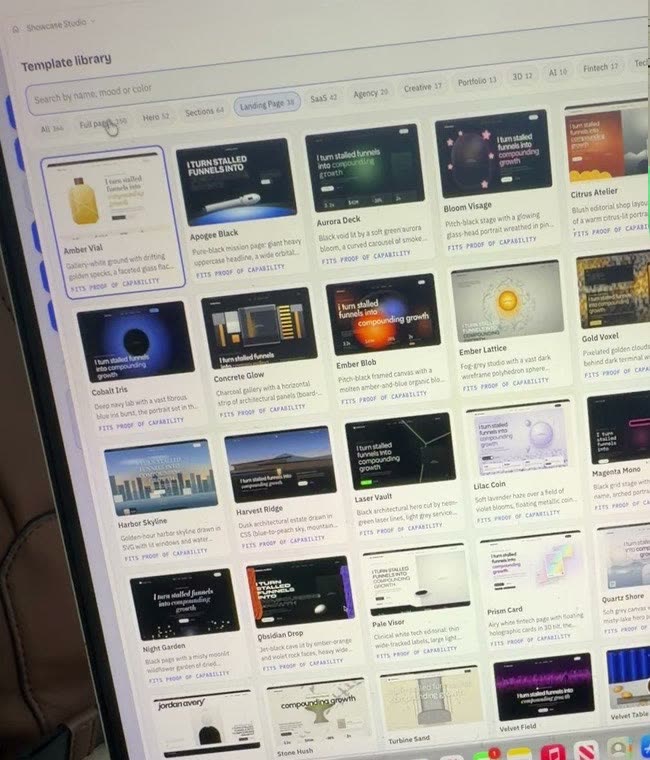
The Showcase Studio template library with dozens of website designs

Your Showcase can carry your videos, your proof and your story. Members can publish it on their own domain (mine is ericbeer.me).
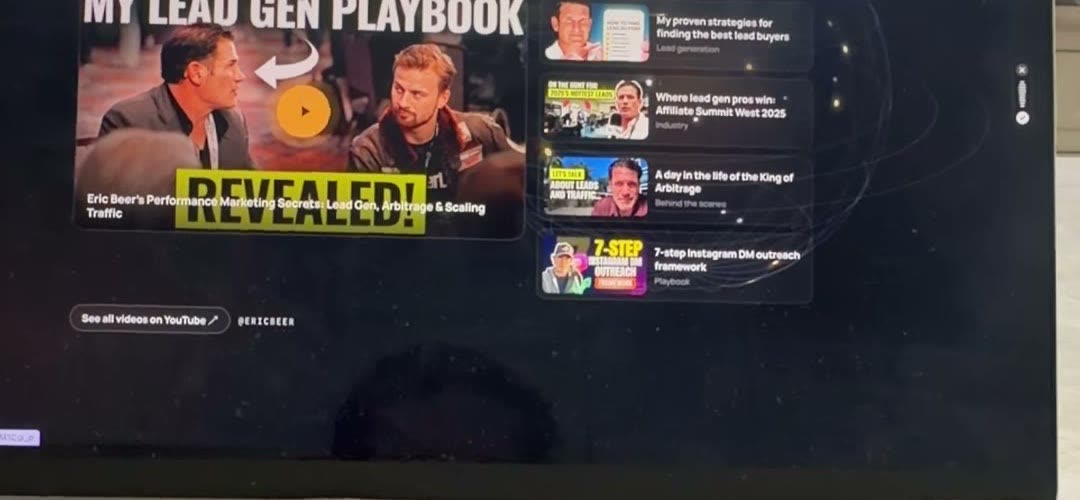
A section of Eric's main Showcase with his videos
8

Step 8: Scout finds jobs worth your time

Now Scout goes hunting. It searches LinkedIn, Indeed, Greenhouse, Lever, Ashby and company career sites, and it only brings back jobs that actually fit your CareerID, with the reason each one fits.

Copy this inScout, find me jobs worth my time. I want [roles], [remote / city], [salary range].

Turn on the daily hunt and Scout looks every morning and tells you when a strong match shows up. You can hear from it on email, text, Telegram or WhatsApp, and set quiet hours.

9

Step 9: A custom Showcase for every job

Here's where it gets crazy. For each job, Scout makes a job version of your Showcase: the same you, re-angled for that exact role. It reads the job, works out what the employer really needs, lines up your matching proof, and rebuilds your story around their problem.

A whole crew of agents does it, one handing off to the next: a job reader, a job decoder, a fit mapper, a positioner, a proof picker, a storyboarder, a fact checker, a writer, a builder and a publisher.
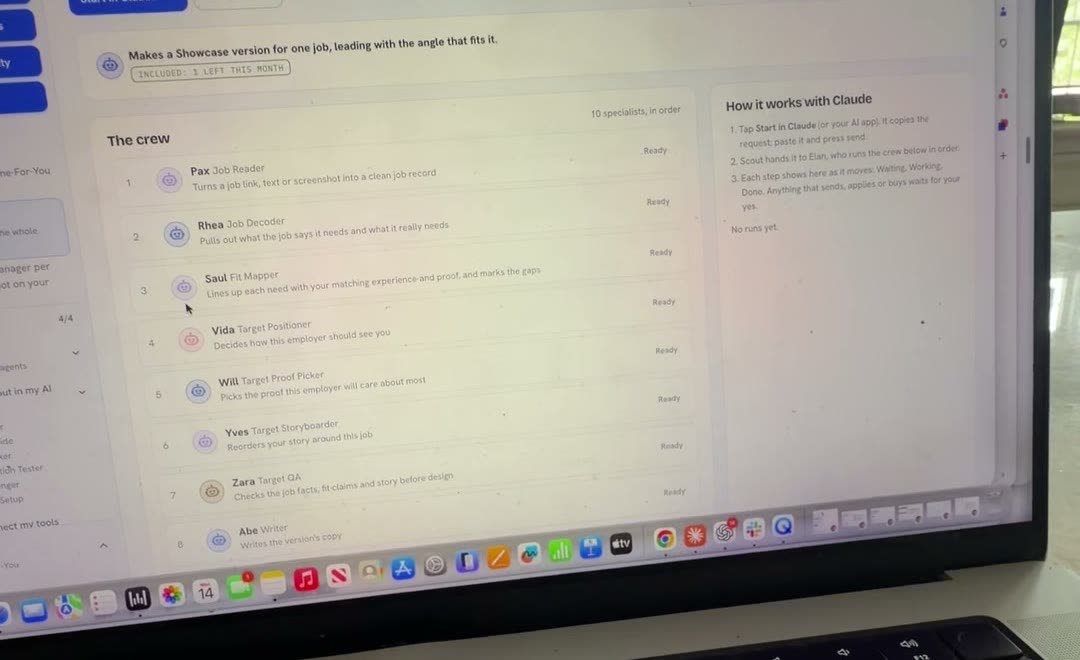
The crew of agents that builds a job version of your Showcase
Copy this inScout, add a Showcase for this job: [paste the job link]. Then pass the ATS and tailor my resume and cover letter for it.

In the same go, Scout checks your resume against the job's applicant tracking system (Pass the ATS) and writes a tailored resume and cover letter. When I applied to two roles at the same company, Scout built two different Showcases, one for each role.

10

Step 10: Turn on auto-apply

Tell Scout which jobs it can apply to on its own: the roles, the locations, how many a day. Then confirm those rules with one tap on scoutjob.ai. You only do that once, and the rules stay saved.

Copy this inScout, set up auto-apply. Roles: [job titles]. Location: [remote / city]. Up to [number] a day. Each one with its Showcase, resume and cover letter.

From then on, every match goes out through the company's normal application, with its own Showcase, tailored resume and cover letter. I wasn't at my desk when it was time to confirm, so I told Claude to email me a reminder. One tap from my phone and it queued 31 jobs.

Prefer to check each one first? Ask Scout to prep applications for your review instead, and send them yourself.

11

Step 11: Find the hiring team

Applying online is only half of it. Scout finds the people behind each job: the recruiter, the hiring manager and the leaders on the team, the people you'd look up on LinkedIn.

Copy this inScout, find the hiring team for this job.

To get their work email addresses too, connect a contact tool like Apollo or Hunter to Claude the same way you connected Scout (Customize, Connectors). Scout works with them to find the right person and the right address.

12

Step 12: Email them directly with your Showcase

Now Scout writes a short, personal email to the hiring manager, with a link to the Showcase it built for their job. Nobody else applying is sending a custom website.

Copy this inScout, message the hiring manager for this job with my Showcase. Keep it short and in my voice. Show me before it goes out.

Think about it from their side. They get a note from a real person, and a website made for their role that says: this is the problem you have, and this is the proof I've already solved it. That's a different conversation than a resume in a pile. That's how I got an interview request overnight.

13

Step 13: Let it run while you sleep

Pick how hands-on you want to be: hands-on (you do it with Scout), guided (Scout preps, you approve) or hands-off (Scout runs it and reports back).

I went hands-off. I woke up to 19 new Showcases built and applied for, and replies from hiring teams. Scout tracks every application and every reply, drafts your answers, and lets you know when someone wants to talk.

Copy this inScout, what happened today? Show me new matches, applications sent, and any replies that need me.

When interviews come in, the same team preps you (your story bank, practice questions, a prep card), writes your thank-you notes, researches the pay when an offer lands, and plans your first 90 days.

the rest of this guide is inside the community

Unlock the full guide

  • My exact auto-apply rules and the roles I targeted
  • The Showcase angles that got me replies, and why
  • The email I let Scout send to hiring managers
  • How I'm running Scout hands-off every day

Get this guide in full, every other guide, the AI agents I use, and live calls, inside my community.
Founding members: $47 first month, then $97/month.
Join the waitlist

keep going

More free guides

Cover of Meet Scout's AI Team
AI agentsGetting startedClaude + Scout

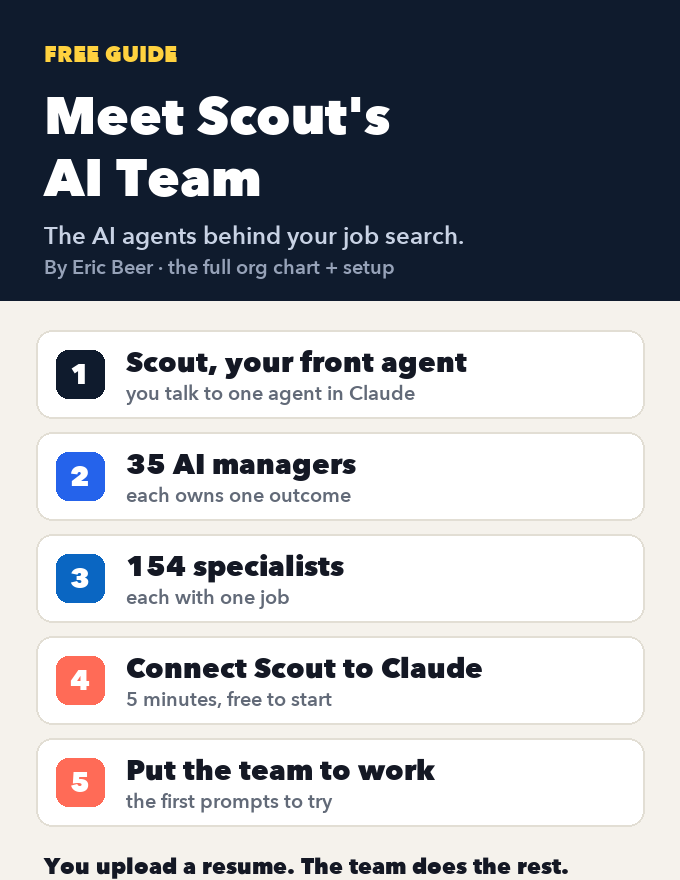
Meet Scout's AI team: the org chart of AI agents that runs a job search, and how to connect it to Claude

See every agent behind Scout Jobs: Scout at the top, 35 AI managers that each own one outcome, and the 154 specialists who do the work, each with one job. Then connect Scout to Claude, step by step, and put the team to work on your job search.

Get the guide →
Cover of Build Your LinkedIn Profile With AI
AI agentsGetting startedClaude + Scout

Build your LinkedIn profile with AI: connect Scout to Claude and let it write every section

Create or fix your LinkedIn profile, section by section: headline, About, experience, Skills and Featured. Connect Scout to Claude, give it your resume, and AI agents write every section, checked against what's true. Every step with screenshots.

Get the guide →
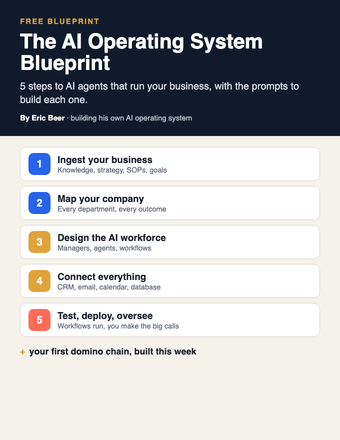
Cover of The AI Operating System Blueprint
AI agentsGetting startedClaude / ChatGPT

The AI Operating System Blueprint: 5 steps to AI agents that run your business

Ingest your business, map the company, design the AI workforce, connect your tools, then test and deploy. The 5 steps, with the prompts for each.

Get the guide →
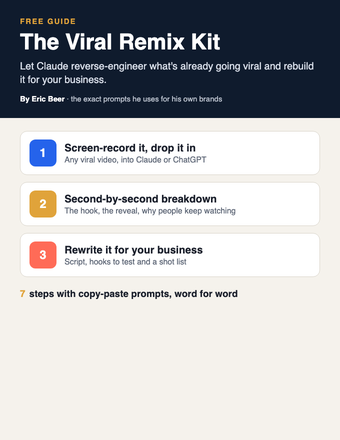
Cover of The Viral Remix Kit
PromptsGetting startedClaude / ChatGPT

The Viral Remix Kit: turn any viral video into one for your business with Claude

Stop coming up with content ideas from scratch. Have Claude reverse-engineer a video that's already going viral and rebuild it for your business.

Get the guide →
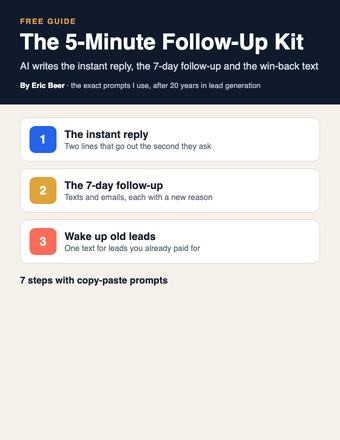
Cover of The 5-Minute Follow-Up Kit
PromptsGetting startedClaude / ChatGPT

The 5-Minute Follow-Up Kit: let AI write every follow-up so no lead goes cold

Whoever answers first usually wins. Have Claude write your instant reply, your 7-day follow-up and the win-back text for old leads, then load them into your CRM once.

Get the guide →
Cover of The Pain-to-Content Matrix
PromptsGetting startedClaude / ChatGPT

The Pain-to-Content Matrix: map every customer problem to a video brief with Claude

Stop guessing what to post. Have Claude map every stage of your customer's journey, the pain at each one, and a ready-to-film video brief for every pain.

Get the guide →
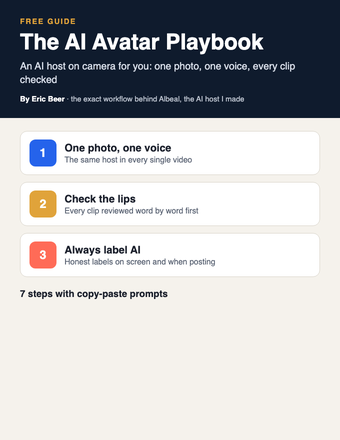
Cover of The AI Avatar Playbook
PromptsGetting startedClaude / ChatGPT + an AI video tool

The AI Avatar Playbook: put an AI host on camera for your business, the honest way

Stop filming every video yourself. Build an AI host with one photo and one voice, have Claude write the scripts, check the lips word by word and always label it AI.

Get the guide →
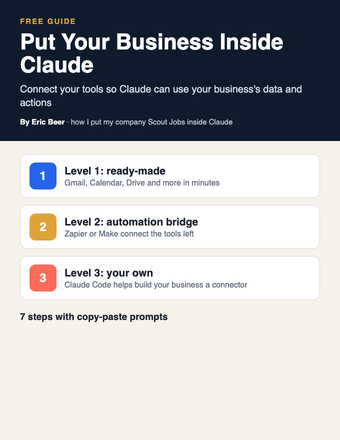
Cover of Put Your Business Inside Claude
AI agentsGetting startedClaude / Claude Code

Put Your Business Inside Claude: connect your tools and data so Claude can work in your business

My company Scout Jobs runs inside Claude as a connector. Here's how to connect your own tools in three levels, from one-click connectors to building your own with Claude Code.

Get the guide →
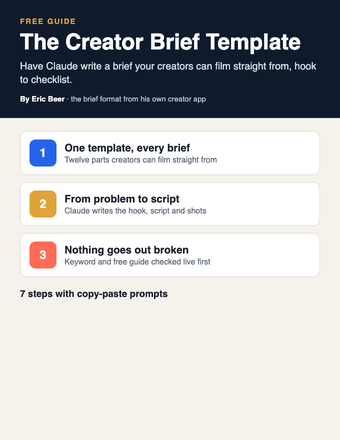
Cover of The Creator Brief Template
PromptsGetting startedClaude / ChatGPT

The Creator Brief Template: have Claude write a filmable brief for every creator and team member

Stop writing every script yourself. Have Claude turn one customer problem into a full brief your creators can film straight from, then check it before it goes out.

Get the guide →
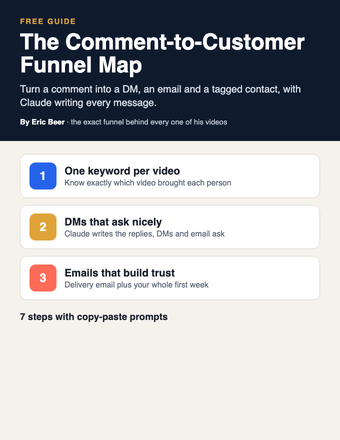
Cover of The Comment-to-Customer Funnel Map
PromptsGetting startedClaude / ChatGPT

The Comment-to-Customer Funnel Map: turn every video comment into an email subscriber with Claude

Turn comments into customers. Map the full path from comment keyword to DM, email, tag and daily email, with Claude writing every message.

Get the guide →
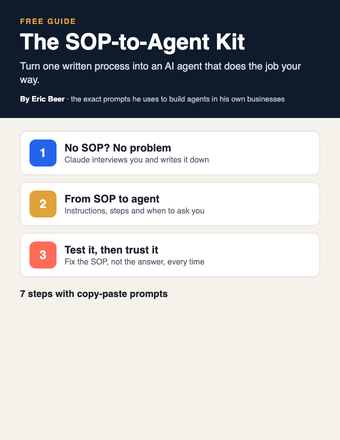
Cover of The SOP-to-Agent Kit
AI agentsPromptsClaude / ChatGPT

The SOP-to-Agent Kit: turn one written process into an AI agent that does the job your way

Stop being the bottleneck. Have Claude turn one of your processes into an agent in a Claude Project, test it, and fix it until it does the job your way.

Get the guide →
Cover of The Business Brain
Getting startedPromptsClaude / ChatGPT

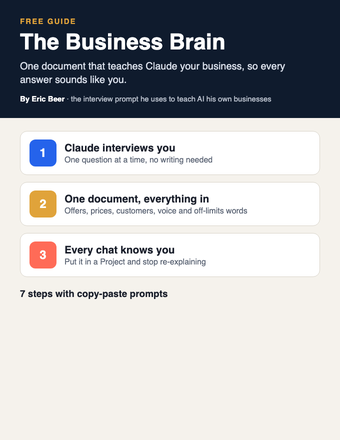
The Business Brain: have Claude interview you and write the one document that teaches AI your business

Stop getting generic answers. Let Claude interview you, write one document about your business, and put it in a Project so every chat knows your business.

Get the guide →
Cover of Build Your Site With Claude
Getting startedPromptsClaude / Claude Code

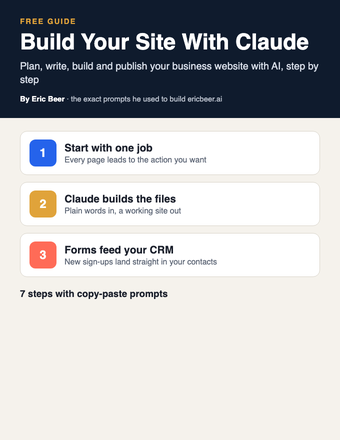
Build Your Site With Claude: plan, write, build and publish your business website with AI

Stop paying someone every time your site needs a change. Decide the one job your site has, then have Claude plan, write and build it, connect the form to your CRM and put it live.

Get the guide →
Cover of The AI Chief of Staff Setup
AI agentsGetting startedClaude / ChatGPT

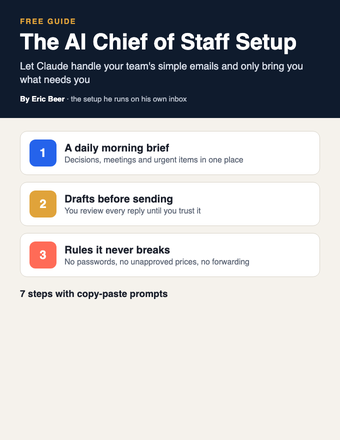
The AI Chief of Staff Setup: let Claude answer your team's simple emails and only bring you what needs you

Stop answering every team email yourself. Start with a read-only morning brief, move to drafts you approve, and add one-line alerts for anything only you can decide.

Get the guide →
Cover of The AI Webinar Builder
PromptsGetting startedClaude / ChatGPT

The AI Webinar Builder: plan your whole webinar with Claude, from the promise to the follow-up emails

Stop building webinars by hand. Use Claude to write the promise, the run of show, the slides, the registration page and every email, one piece at a time.

Get the guide →
Cover of The AI Email Kit
PromptsGetting startedClaude / ChatGPT

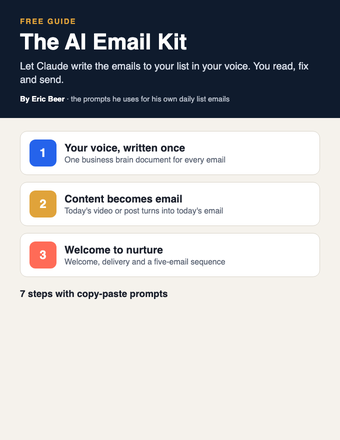
The AI Email Kit: have Claude write the emails to your list in your voice

Stop writing every email to your list yourself. Give Claude your voice once, then turn each video or post into an email and set up your welcome and follow-up emails.

Get the guide →
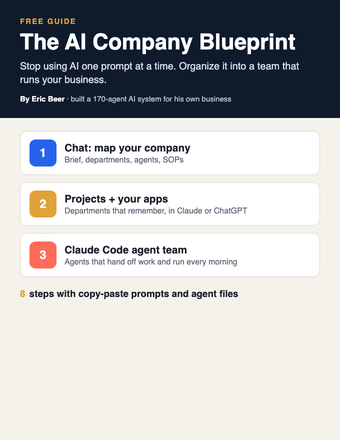
Cover of The AI Company Blueprint
AI agentsGetting startedClaude / ChatGPT / Claude Code

The AI Company Blueprint: organize AI into a team that runs your business

Stop using AI one prompt at a time. Map your company, write SOPs your agents follow, and build the team in Claude, ChatGPT or Claude Code.

Get the guide →
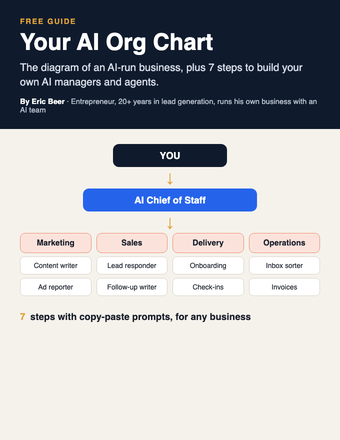
Cover of Your AI Org Chart
AI agentsGetting startedClaude / ChatGPT

Your AI Org Chart: the diagram, and how to build it for any business

The diagram of an AI-run business, plus 7 steps with copy-paste prompts to build your own AI managers and agents.

Get the guide →
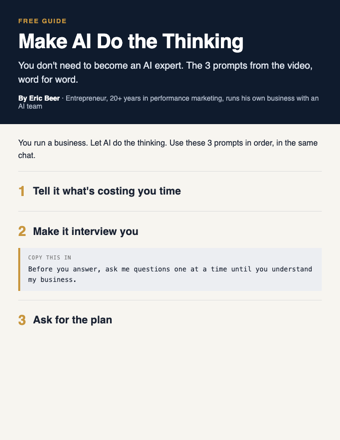
Cover of Make AI Do the Thinking
PromptsGetting startedChatGPT / Claude

Make AI Do the Thinking: the 3 prompts, word for word

You don't need to become an AI expert. Three copy-paste prompts: tell it what's costing you time, make it interview you, get the plan.

Get the guide →
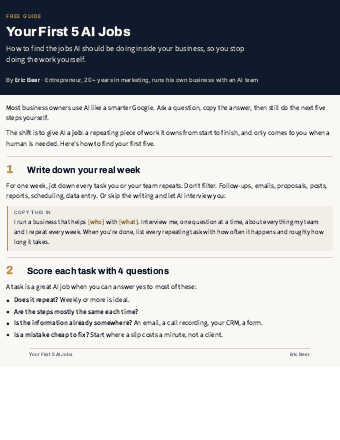
Cover of Your First 5 AI Jobs
AI agentsGetting startedAny AI

Your First 5 AI Jobs: stop doing the work AI should be doing

How to find the jobs AI should own inside your business, score them, and start with the one that saves you the most time.

Get the guide →
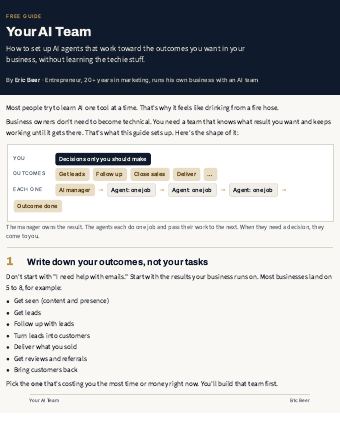
Cover of Your AI Team
AI agentsGetting startedAny AI

Your AI Team: set up AI agents that run your outcomes

The 7-step setup I use: outcomes, an AI manager for each, agents with one job, and decisions that come to you.

Get the guide →
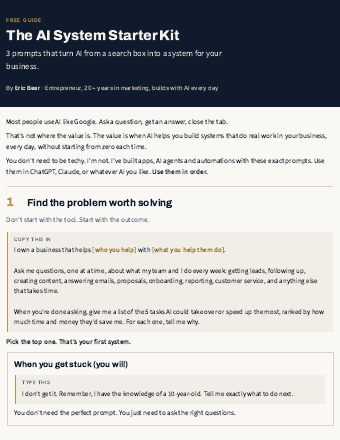
Cover of AI System Starter Kit
PromptsGetting startedChatGPT / Claude

The AI System Starter Kit: 3 prompts that turn AI into a system

Stop using AI like Google. Three copy-paste prompts to find the problem worth solving and get a step-by-step plan.

Get the guide →
new guides every week

See the library

Explore ericbeer.ai Join the waitlist

watch & learn

See how I put AI to work

Short videos on how I run my business with an AI team. Watch on whichever app you like.

My LinkedIn Got Hacked. I Let AI Rebuild the Whole Thing.

My LinkedIn Got Hacked. I Let AI Rebuild the Whole Thing.

Claude Can Now Find You a Job (Meet the AI Team)

Claude Can Now Find You a Job (Meet the AI Team)

Claude Rewrote My Whole LinkedIn With One Button

Claude Rewrote My Whole LinkedIn With One Button

AI Applied to 64 Jobs For Me (I Got an Interview Overnight)

AI Applied to 64 Jobs For Me (I Got an Interview Overnight)