Want the complete guide?

The full guide, every other guide, the AI agents I use and live calls are going inside my community. Join the waitlist for the founding-member price.

Join the waitlist →
your free guide

The AI Email Kit: have Claude write the emails to your list in your voice

Your email list is the one audience you own. But writing to it takes time, so most owners email rarely or never. AI can write the emails in your voice. You just read, fix and send.

Here's how I use it. Every new video I post becomes that day's short email to my list. Every free guide has its own delivery email, so the moment someone asks for it, it's in their inbox. Claude writes the drafts from my notes and my script. I read every one before it goes out.

This kit gives you the prompts for each piece, in order. Claude is the main tool, and every prompt works the same in ChatGPT. Then paste the emails into whatever you send with: your CRM or an email tool like Mailchimp, Kit or ActiveCampaign.

1

Step 1: Give Claude your voice (once)

Generic AI emails sound like generic AI emails. The fix is a short "business brain": one document with how your business works and how you talk. Write it once, reuse it for every email. In Claude, the best home for it is a Project: paste it into the project instructions, and every chat in that project already knows it.

Copy this inHelp me write a one-page "business brain" document that you'll read before writing any email for me. Ask me questions one at a time about: what I sell and the price, who my customers are and the problem they have, the free things I offer (guides, checklists, consults), my real results and experience, words I use and words I never use, and how I sign off. Here are 3 to 5 emails or messages I've actually written, so you can learn my voice: [paste real emails, texts or posts you wrote yourself] When you're done, write the document in plain language, with a short "How I write" section at the end with 5 rules you noticed in my examples.

Save it. Every prompt below starts from it.

2

Step 2: Write your welcome email

Copy this inUsing my business brain, write the first email a new subscriber gets. It should: - Thank them and remind them how they joined: [the form, free guide or page they signed up on]. - Tell them in two or three lines who I am and why I'm worth reading. Real facts only. - Tell them what they'll get from me and how often: [for example, one short email each weekday]. - Ask one easy question they can reply to, like what they're stuck on right now. - Have one clear link at most. Under 200 words. Give me three subject lines to choose from.

The reply question is worth keeping. Real replies tell you what to write about next.

3

Step 3: Write a delivery email for every freebie

When someone asks for a guide, checklist or discount, the delivery email should arrive right away, with a clear subject line so they can find it.

Copy this inWrite the delivery email for this free resource: [name of the guide or checklist]. Link: [the link] What it helps with: [the problem it solves, in one line] Include: - A subject line that makes it obvious what's inside, like "Your [name] is here." - The link near the top. - Two or three lines on how to get the most out of it (the first step to take). - One sentence about what's coming next in their inbox. Under 150 words. Give me two subject line options.

Set this up as an automation in your email tool: someone signs up for that freebie, they get this email. One freebie, one delivery email.

4

Step 4: Turn today's video or post into today's email

This is the one that saves the most time. You already made the content. Now it becomes the email.

Copy this inTurn this into today's email to my list. Use my business brain for my voice. Here is today's [video script, transcript, post or blog]: [paste it] Link to watch or read it: [the link] Free thing that goes with it (if any): [the guide and its link, or none] Rules: - 100 to 200 words. Short paragraphs, one or two lines each. - Open with the problem in my customer's words, not with "In today's video." - Give one useful takeaway they can use even if they never click. - One clear link. If there's a free guide, that's the link. Otherwise, the video or post. - Only claims from my business brain or the script. No made-up numbers. - Give me 5 subject lines and a preview line (the gray text after the subject).

A quick example. A fitness studio owner posts a video: "Three stretches for desk workers." Claude turns the script into a 150-word email: it opens with "Your back hurts by 3pm because you've been sitting since 9," gives the first stretch in two lines, and ends with one link to the video. Same content, a second place to reach people, a few minutes of work.

5

Step 5: Test your subject lines

The subject line decides whether anyone reads the rest. Make Claude argue with itself before you pick.

Copy this inHere are my subject line options for this email: [paste the subject lines] Here's who's on my list: [who they are and what they care about] For each subject line: 1. Score it 1 to 10 on clarity (do they know what's inside?), curiosity, and honesty (does the email deliver what it promises?). 2. Say how it looks on a phone, where only about the first 35 to 40 characters may show. 3. Flag anything that sounds like spam or clickbait. Then write 3 better options and tell me which one you'd send and why. Never suggest a subject line the email doesn't live up to.

If your email tool can split-test subject lines, send two of them and keep a note of which kind of subject your list opens. Over time, you'll learn what works for your list instead of guessing.

6

Step 6: Build a 5-email nurture sequence

New subscribers don't know you yet. A short sequence, sent automatically over their first week or two, introduces you before your regular emails start.

Copy this inUsing my business brain, write a 5-email sequence for new subscribers, sent after the welcome email. 1. My story: why I do this work, short and true. 2. The biggest mistake my customers make about [your topic], and what to do instead. 3. A real example or client story: [a true story, with permission if it names someone] 4. My best free resource, with the link: [link] 5. An honest invitation to the next step: [book a call, buy, reply], who it's for and who it's not for. For each email: the day it sends (counting from sign-up), 3 subject lines, and the body. Under 250 words each. One clear link each. No pressure tactics and no invented results.
7

Step 7: The rules that keep your list healthy

  • Permission first. Only email people who asked to hear from you. Never buy a list or add people from your contacts without asking.
  • Make leaving easy. Every marketing email needs a working unsubscribe link and your business address. Your email tool usually adds both. Leave them in.
  • Honest subject lines. The subject must match what's inside. Tricks get you unsubscribes and spam reports.
  • Pick a send window. Choose a regular time and day and stick to it so people know when to expect you. Test a different time later if you want, and compare.
  • One clear link. One email, one job, one link.
  • Read every email before it sends. AI writes the draft. You're responsible for what goes out.
Copy this in before every sendCheck this email before I send it: [paste the email] Tell me: does the subject match the content, is there exactly one clear link, is every claim true according to my business brain, does anything sound like spam, and is it short enough to read on a phone? Then give me a fixed version.
the rest of this guide is inside the community

Unlock the full guide

  • My own business brain document and the prompts I use for daily emails
  • How I turn every video into that day's email in a few minutes
  • Ready-to-edit nurture sequences for service businesses and coaches
  • Live sessions: we write your welcome email and sequence together
  • Every new AI workflow I build for my own businesses

Get this guide in full, every other guide, the AI agents I use, and live calls, inside my community.
Founding members: $47 first month, then $97/month.
Join the waitlist

keep going

More free guides

Cover of Meet Scout's AI Team
AI agentsGetting startedClaude + Scout

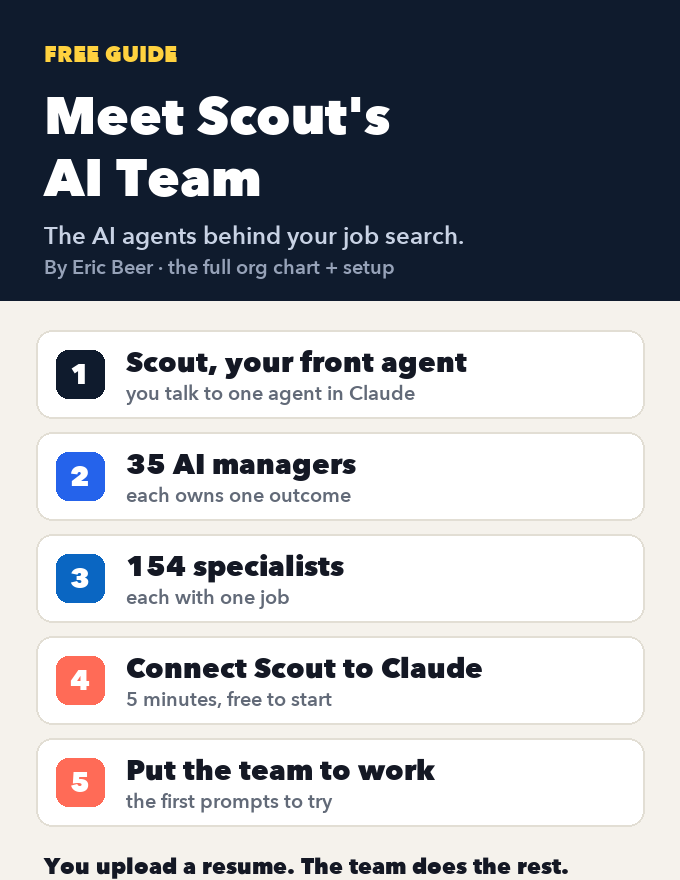
Meet Scout's AI team: the org chart of AI agents that runs a job search, and how to connect it to Claude

See every agent behind Scout Jobs: Scout at the top, 35 AI managers that each own one outcome, and the 154 specialists who do the work, each with one job. Then connect Scout to Claude, step by step, and put the team to work on your job search.

Get the guide →
Cover of Your AI Job Agent: Scout + Claude
AI agentsGetting startedClaude + Scout

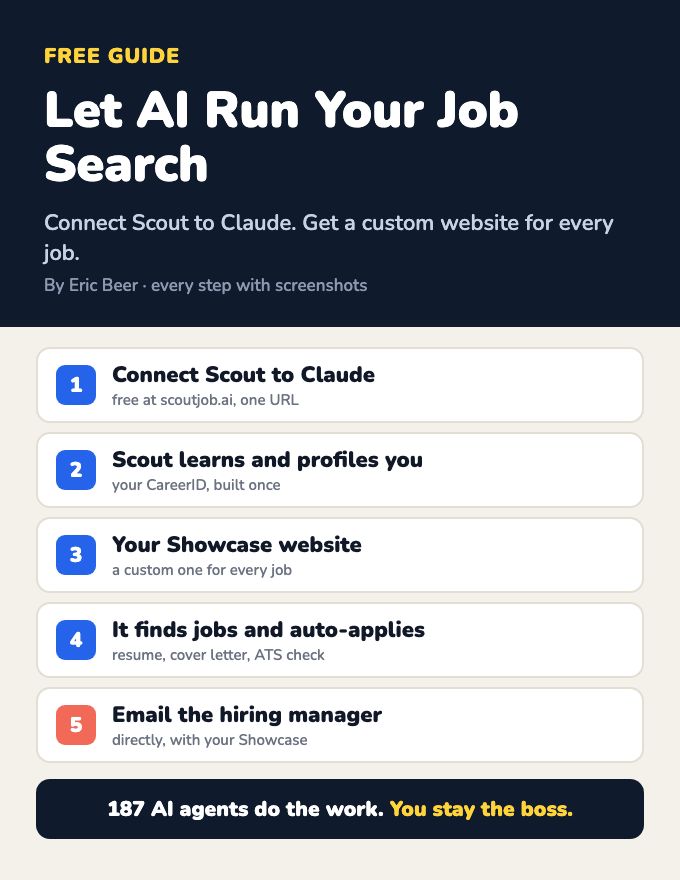
Let AI run your job search: connect Scout to Claude and get a custom website for every job

Connect Scout to Claude and a team of AI agents learns who you are, builds your CareerID and a Showcase website, finds jobs, makes a custom Showcase for each one, applies, and emails the hiring manager. Every step, with screenshots.

Get the guide →
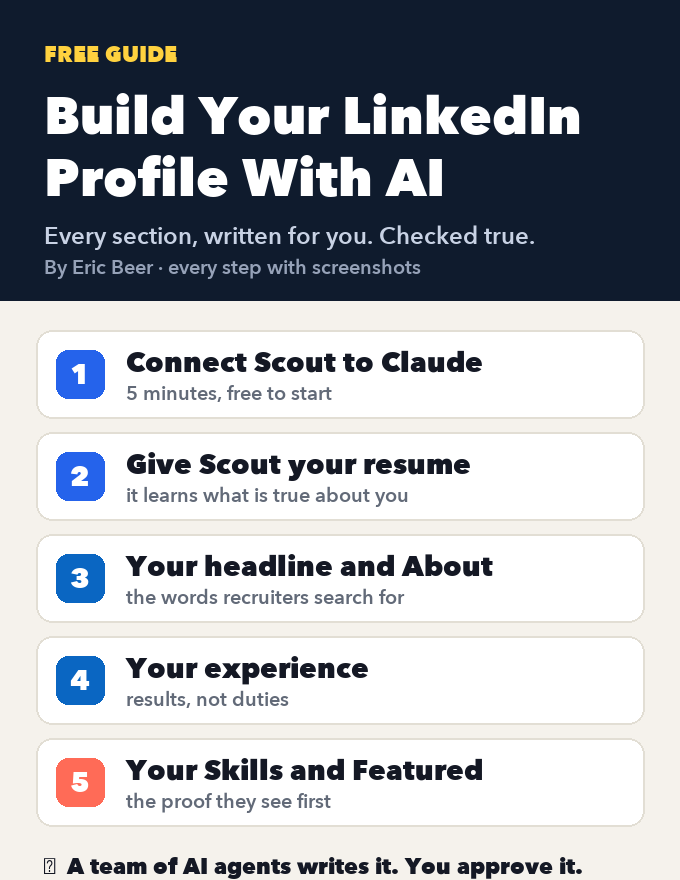
Cover of Build Your LinkedIn Profile With AI
AI agentsGetting startedClaude + Scout

Build your LinkedIn profile with AI: connect Scout to Claude and let it write every section

Create or fix your LinkedIn profile, section by section: headline, About, experience, Skills and Featured. Connect Scout to Claude, give it your resume, and AI agents write every section, checked against what's true. Every step with screenshots.

Get the guide →
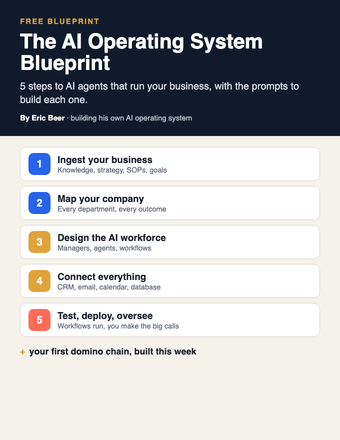
Cover of The AI Operating System Blueprint
AI agentsGetting startedClaude / ChatGPT

The AI Operating System Blueprint: 5 steps to AI agents that run your business

Ingest your business, map the company, design the AI workforce, connect your tools, then test and deploy. The 5 steps, with the prompts for each.

Get the guide →
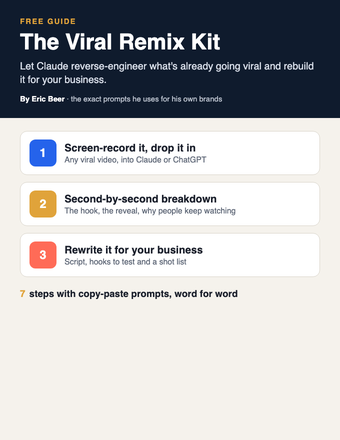
Cover of The Viral Remix Kit
PromptsGetting startedClaude / ChatGPT

The Viral Remix Kit: turn any viral video into one for your business with Claude

Stop coming up with content ideas from scratch. Have Claude reverse-engineer a video that's already going viral and rebuild it for your business.

Get the guide →
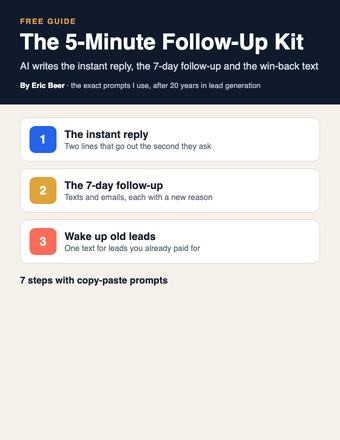
Cover of The 5-Minute Follow-Up Kit
PromptsGetting startedClaude / ChatGPT

The 5-Minute Follow-Up Kit: let AI write every follow-up so no lead goes cold

Whoever answers first usually wins. Have Claude write your instant reply, your 7-day follow-up and the win-back text for old leads, then load them into your CRM once.

Get the guide →
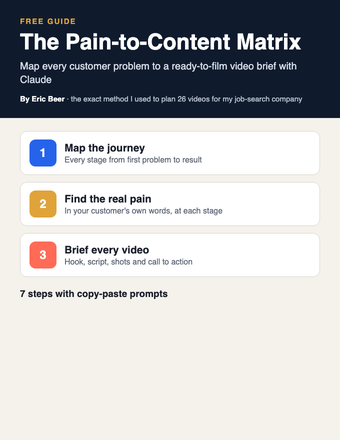
Cover of The Pain-to-Content Matrix
PromptsGetting startedClaude / ChatGPT

The Pain-to-Content Matrix: map every customer problem to a video brief with Claude

Stop guessing what to post. Have Claude map every stage of your customer's journey, the pain at each one, and a ready-to-film video brief for every pain.

Get the guide →
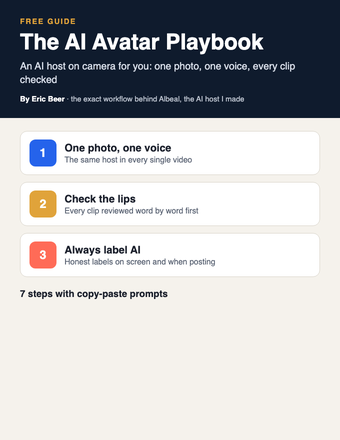
Cover of The AI Avatar Playbook
PromptsGetting startedClaude / ChatGPT + an AI video tool

The AI Avatar Playbook: put an AI host on camera for your business, the honest way

Stop filming every video yourself. Build an AI host with one photo and one voice, have Claude write the scripts, check the lips word by word and always label it AI.

Get the guide →
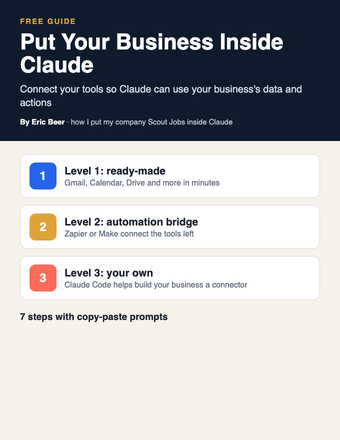
Cover of Put Your Business Inside Claude
AI agentsGetting startedClaude / Claude Code

Put Your Business Inside Claude: connect your tools and data so Claude can work in your business

My company Scout Jobs runs inside Claude as a connector. Here's how to connect your own tools in three levels, from one-click connectors to building your own with Claude Code.

Get the guide →
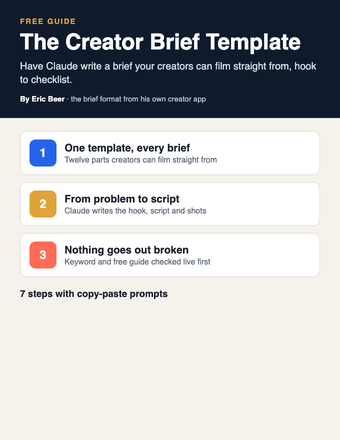
Cover of The Creator Brief Template
PromptsGetting startedClaude / ChatGPT

The Creator Brief Template: have Claude write a filmable brief for every creator and team member

Stop writing every script yourself. Have Claude turn one customer problem into a full brief your creators can film straight from, then check it before it goes out.

Get the guide →
Cover of The Comment-to-Customer Funnel Map
PromptsGetting startedClaude / ChatGPT

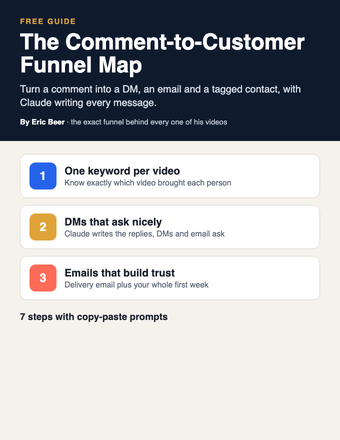
The Comment-to-Customer Funnel Map: turn every video comment into an email subscriber with Claude

Turn comments into customers. Map the full path from comment keyword to DM, email, tag and daily email, with Claude writing every message.

Get the guide →
Cover of The SOP-to-Agent Kit
AI agentsPromptsClaude / ChatGPT

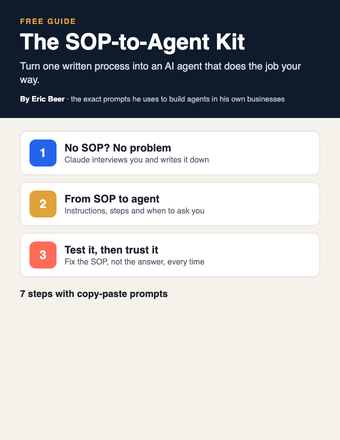
The SOP-to-Agent Kit: turn one written process into an AI agent that does the job your way

Stop being the bottleneck. Have Claude turn one of your processes into an agent in a Claude Project, test it, and fix it until it does the job your way.

Get the guide →
Cover of The Business Brain
Getting startedPromptsClaude / ChatGPT

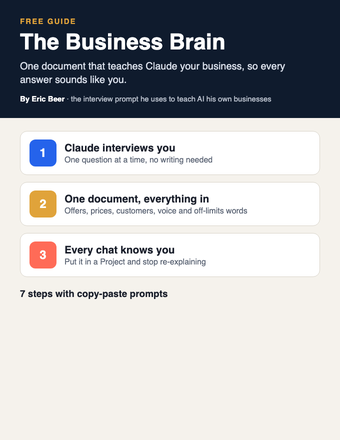
The Business Brain: have Claude interview you and write the one document that teaches AI your business

Stop getting generic answers. Let Claude interview you, write one document about your business, and put it in a Project so every chat knows your business.

Get the guide →
Cover of Build Your Site With Claude
Getting startedPromptsClaude / Claude Code

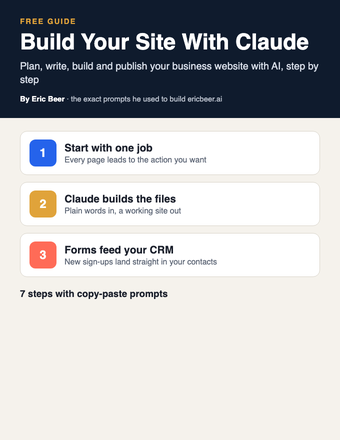
Build Your Site With Claude: plan, write, build and publish your business website with AI

Stop paying someone every time your site needs a change. Decide the one job your site has, then have Claude plan, write and build it, connect the form to your CRM and put it live.

Get the guide →
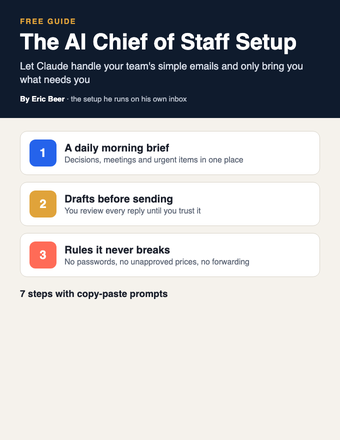
Cover of The AI Chief of Staff Setup
AI agentsGetting startedClaude / ChatGPT

The AI Chief of Staff Setup: let Claude answer your team's simple emails and only bring you what needs you

Stop answering every team email yourself. Start with a read-only morning brief, move to drafts you approve, and add one-line alerts for anything only you can decide.

Get the guide →
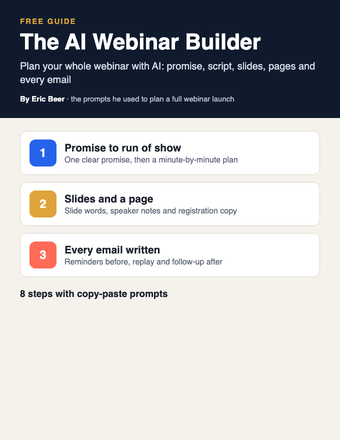
Cover of The AI Webinar Builder
PromptsGetting startedClaude / ChatGPT

The AI Webinar Builder: plan your whole webinar with Claude, from the promise to the follow-up emails

Stop building webinars by hand. Use Claude to write the promise, the run of show, the slides, the registration page and every email, one piece at a time.

Get the guide →
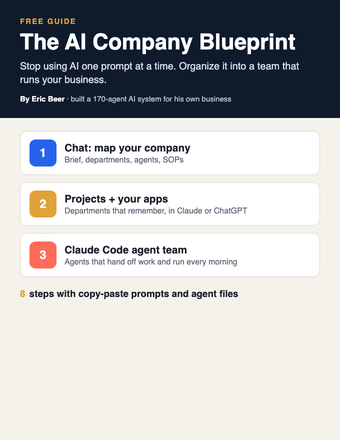
Cover of The AI Company Blueprint
AI agentsGetting startedClaude / ChatGPT / Claude Code

The AI Company Blueprint: organize AI into a team that runs your business

Stop using AI one prompt at a time. Map your company, write SOPs your agents follow, and build the team in Claude, ChatGPT or Claude Code.

Get the guide →
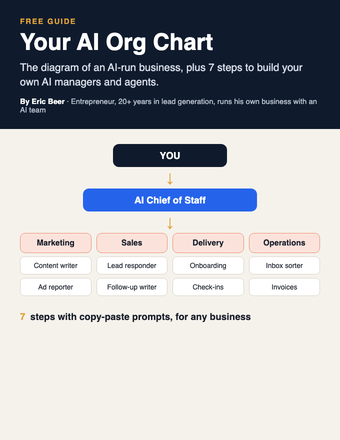
Cover of Your AI Org Chart
AI agentsGetting startedClaude / ChatGPT

Your AI Org Chart: the diagram, and how to build it for any business

The diagram of an AI-run business, plus 7 steps with copy-paste prompts to build your own AI managers and agents.

Get the guide →
Cover of Make AI Do the Thinking
PromptsGetting startedChatGPT / Claude

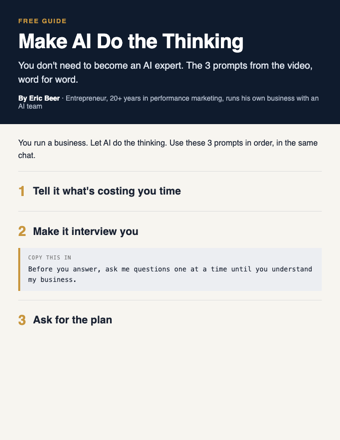
Make AI Do the Thinking: the 3 prompts, word for word

You don't need to become an AI expert. Three copy-paste prompts: tell it what's costing you time, make it interview you, get the plan.

Get the guide →
Cover of Your First 5 AI Jobs
AI agentsGetting startedAny AI

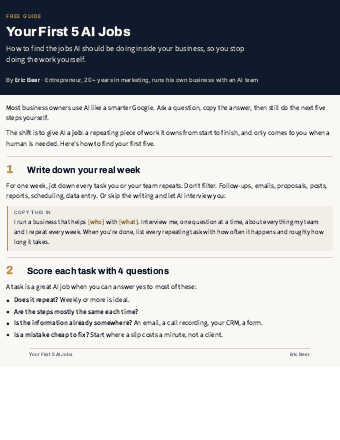
Your First 5 AI Jobs: stop doing the work AI should be doing

How to find the jobs AI should own inside your business, score them, and start with the one that saves you the most time.

Get the guide →
Cover of Your AI Team
AI agentsGetting startedAny AI

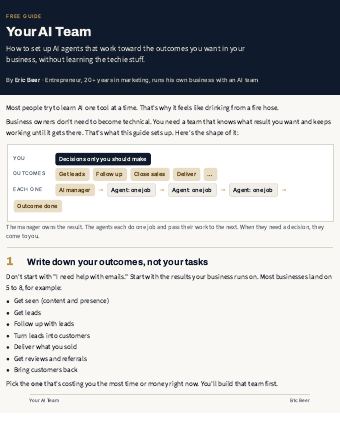
Your AI Team: set up AI agents that run your outcomes

The 7-step setup I use: outcomes, an AI manager for each, agents with one job, and decisions that come to you.

Get the guide →
Cover of AI System Starter Kit
PromptsGetting startedChatGPT / Claude

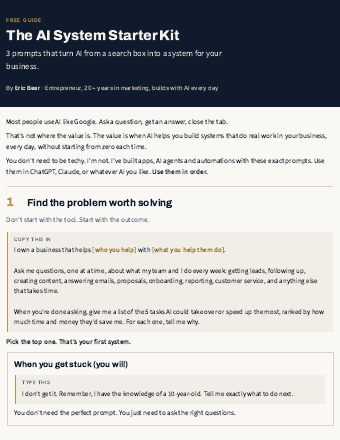
The AI System Starter Kit: 3 prompts that turn AI into a system

Stop using AI like Google. Three copy-paste prompts to find the problem worth solving and get a step-by-step plan.

Get the guide →
new guides every week

See the library

Explore ericbeer.ai Join the waitlist

watch & learn

See how I put AI to work

Short videos on how I run my business with an AI team. Watch on whichever app you like.

My LinkedIn Got Hacked. I Let AI Rebuild the Whole Thing.

My LinkedIn Got Hacked. I Let AI Rebuild the Whole Thing.

Claude Can Now Find You a Job (Meet the AI Team)

Claude Can Now Find You a Job (Meet the AI Team)

Claude Rewrote My Whole LinkedIn With One Button

Claude Rewrote My Whole LinkedIn With One Button

AI Applied to 64 Jobs For Me (I Got an Interview Overnight)

AI Applied to 64 Jobs For Me (I Got an Interview Overnight)